What is Anuma Access?
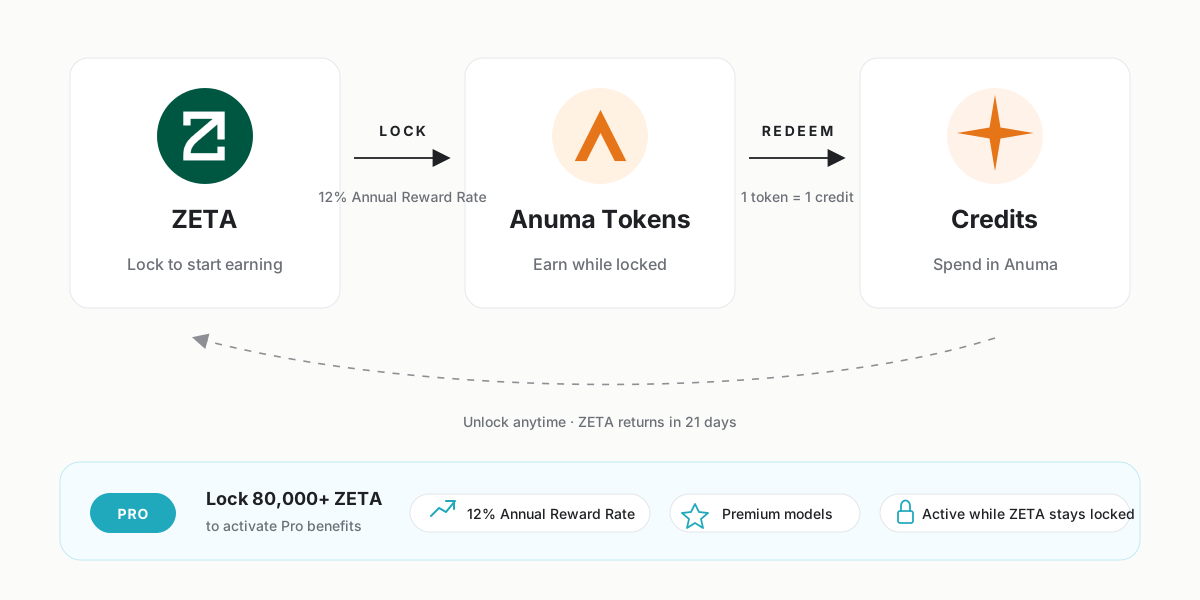
Anuma Access lets you lock ZETA on ZetaChain to earn Anuma Tokens automatically — then redeem those tokens for Anuma credits. Lock 80,000 ZETA or more and you also unlock the Anuma Pro Plan for as long as your ZETA stays locked.
What you get
- 12% annual reward rate on locked ZETA (rate at launch — subject to change; see the dashboard for the current rate), paid out as Anuma Tokens that accrue every second
- 21-day unlocking period when you decide to withdraw — your ZETA isn’t trapped, just delayed
- Earn Anuma Tokens while your ZETA is locked, redeemable 1:1 for Anuma credits
- Pro subscription benefits when you lock 80,000 ZETA or more — no monthly Stripe charge required
Two ways to use Anuma Access
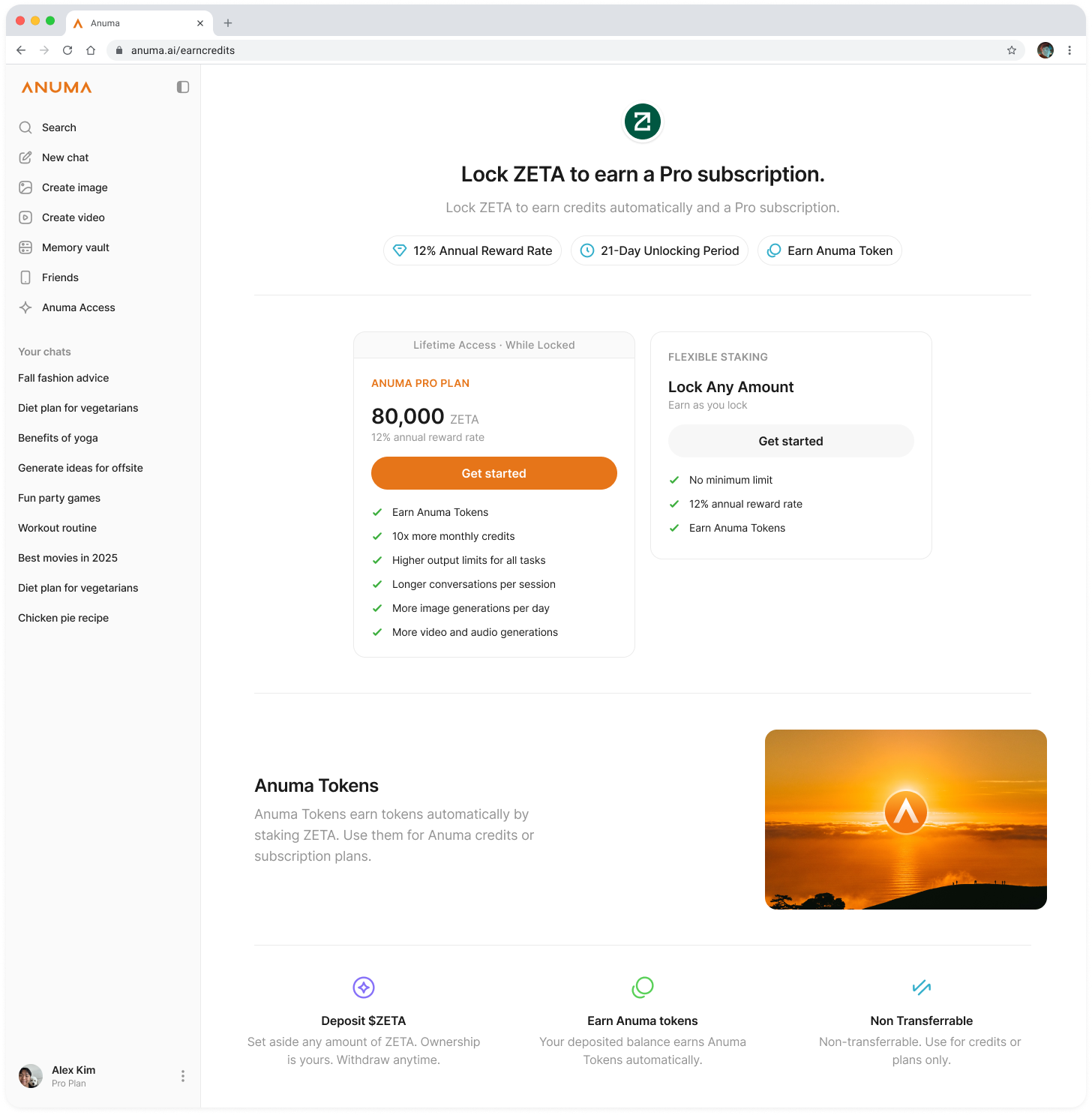
Anuma Pro Plan — lock 80,000 ZETA
Locking 80,000 ZETA or more turns on every Pro Plan benefit for as long as your ZETA stays locked: 2,500 credits per month, 25% cheaper per credit, unlimited backup, 50 GB media storage, and early access to new features. You still earn Anuma Tokens on top.
Flexible Staking — lock any amount
No minimum. Lock whatever ZETA you want and earn Anuma Tokens at the same annual rate (currently 12%), proportional to your locked balance. You don’t get Pro benefits below 80,000 ZETA, but your tokens still redeem 1:1 for credits.
How Anuma Tokens work
Anuma Tokens are an ERC-20 token on ZetaChain that you earn automatically as your ZETA stays locked. They are non-transferrable — you can’t sell them, send them, or trade them. Their only purpose is to redeem for Anuma credits at a 1:1 ratio inside the app.
The credits you redeem expire 30 days after they’re issued, so most users keep a small Anuma Token balance and redeem in batches as needed.
How to access Anuma Access
Tap Anuma Access in the sidebar to open the dashboard. From there you can lock ZETA, view your locked balance and earned tokens, claim accrued rewards, redeem tokens for credits, and start the unlock process.
Good to know
- Anuma Access lives on ZetaChain — you’ll need ZETA in a ZetaChain-compatible wallet to participate.
- You can use your embedded Anuma wallet (created automatically when you sign up) or connect an external wallet like MetaMask or Coinbase Wallet. See Wallets and networks.
- Locking ZETA is reversible. There’s no slashing, no lockup beyond the 21-day unbonding period when you choose to withdraw.
- If you have zero ZETA when you tap Get Started, Anuma surfaces options to buy ZETA from Coinbase or with a debit card.
Related articles