How to create an account
Signing up takes a minute. You must be 18 or older.
Available on: web, iOS, Android.
Web
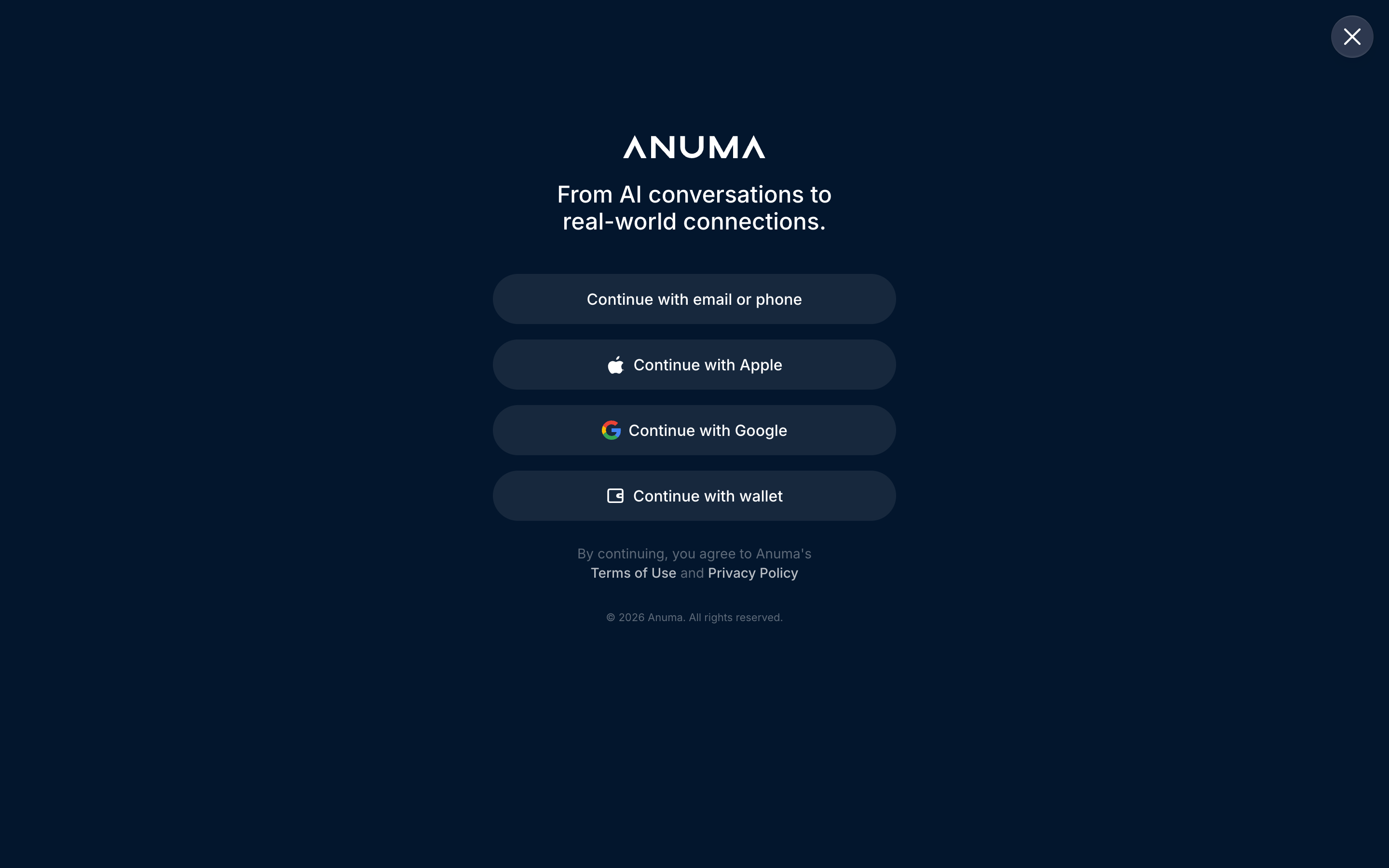
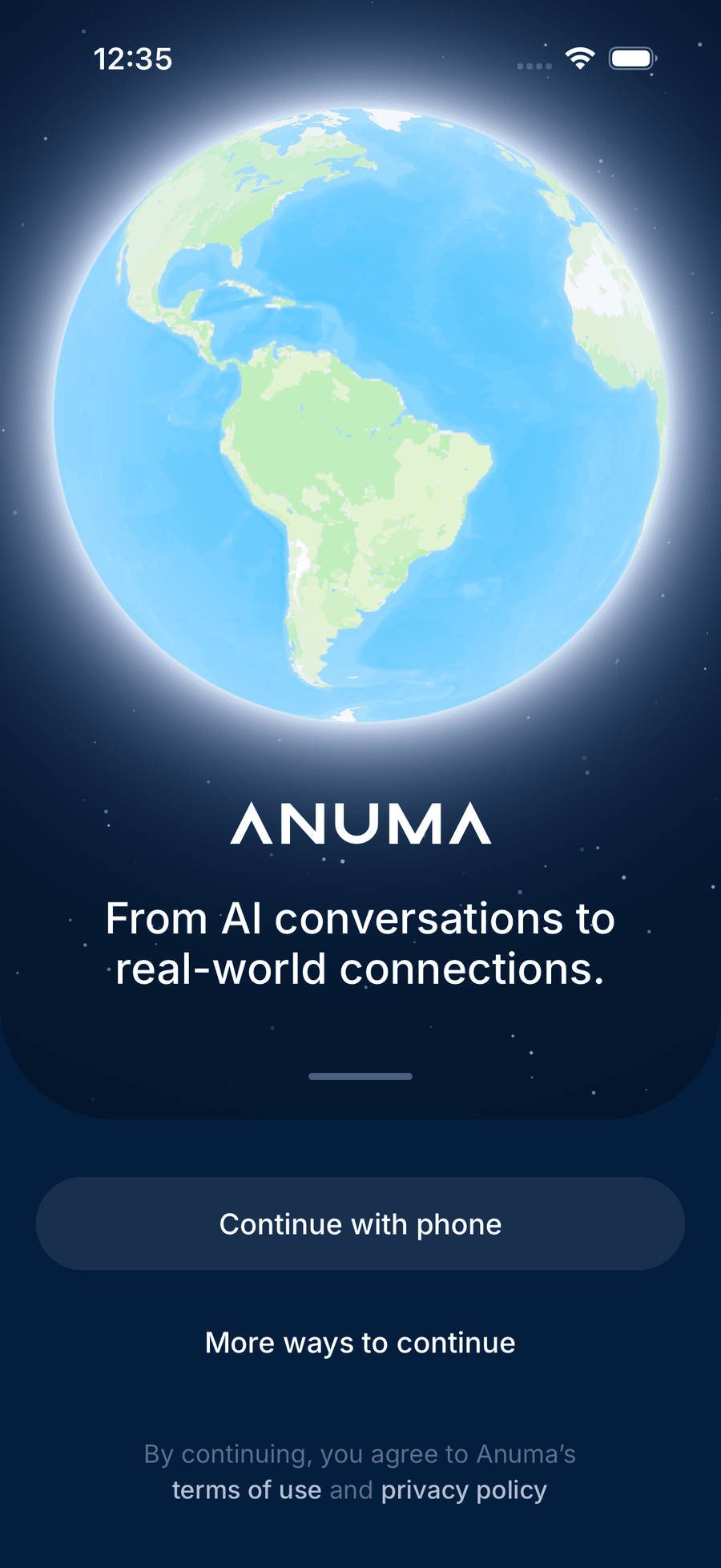
Steps
- Open chat.anuma.ai , or install the app for iOS or Android .
- Pick how to sign in.
- Web: Continue with email or phone, Continue with Apple, Continue with Google, or Continue with wallet.
- Mobile app: Continue with phone first; More ways to continue offers Google, Apple (iOS) and email.
- Enter the code Anuma sends you if you used email or phone.
- Give your birthdate. Anuma is for people 18 and older, and the date itself stays private.
- Set up Nearby, or skip it. New accounts go straight into the Nearby setup (location, phone verification, photos, interests). Close it with the X if you only want chat; you can come back any time from the sidebar. See Get on the map.
You land in chat on the web and on the Nearby map in the app (or in chat if Nearby is not in your area yet).
Verify to unlock everything
A Free account that signed up with email alone is unverified. Verified accounts have Google, Apple or a phone number linked. Until you verify:
- you get a smaller monthly credit grant, with a Verify to unlock more credits prompt in the app;
- Anthropic models (Claude) are not available.
Tap Verify my account when you see the prompt, or link a method from your account settings.
Good to know
- Your account works across web, iOS and Android with the same memory.
- If a sign-in page opens inside another app’s browser and Google or Apple sign-in fails, open the link in your regular browser.
- You can add two-factor authentication (passkey or authenticator app) after signing up. See Two-factor authentication.
- Every account includes a Solana wallet; you do not need to do anything with it to use Anuma.
Related articles
Last updated on