Customizing your AI personality
Anuma lets you fine-tune how your AI communicates. Set your Tone, Length, Depth, and Style, add free-form custom instructions, and fill in an optional profile so responses fit you. Your personalization applies across all conversations and models.
Web
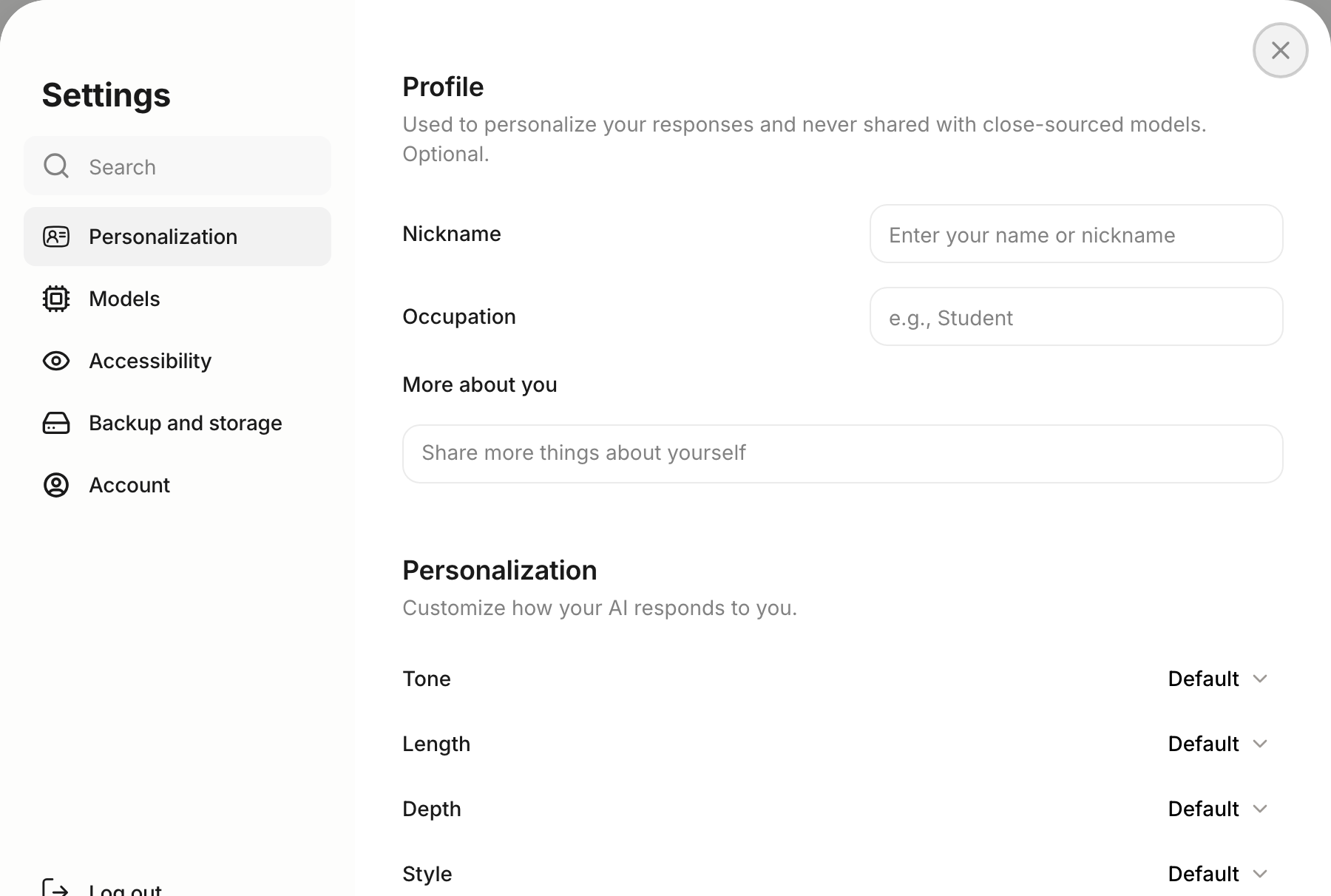
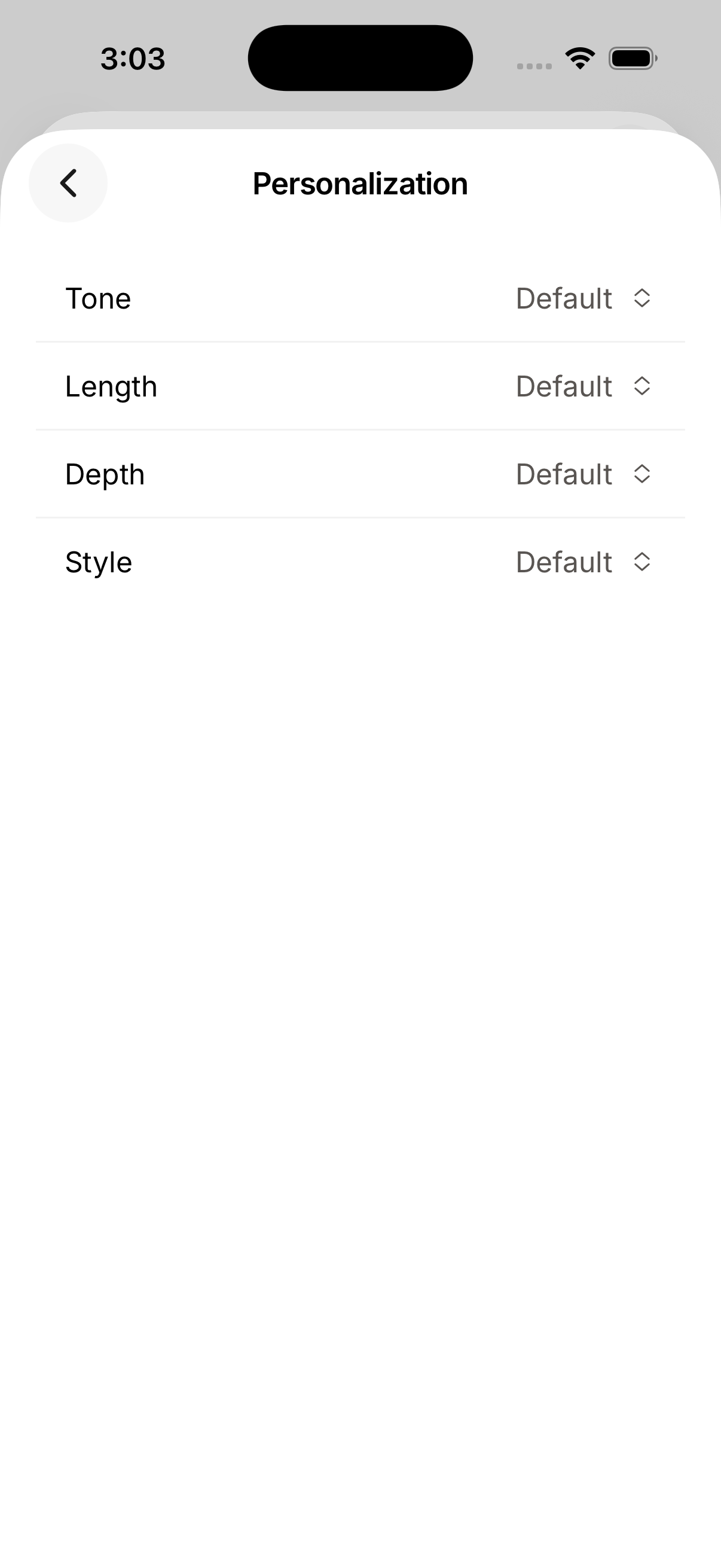
Personalization options
Each dimension is a dropdown with a neutral Default plus a choice at each end:
| Option | Choices | What it controls |
|---|---|---|
| Tone | Casual ↔ Professional | Tone and formality level |
| Length | Concise ↔ Detailed | How much detail responses include |
| Depth | Simple ↔ Technical | Language complexity and jargon level |
| Style | Light ↔ Serious | How playful or serious the tone is |
Leave any option on Default to let the model decide.
Your profile
The Profile section personalizes responses and is never shared with closed-source models — it’s optional:
- Nickname — what you’d like the AI to call you.
- Occupation — e.g. Student, Designer, Engineer.
- More about you — any extra context you want responses to account for.
Steps
Step 1: Open Personalization
Tap your profile icon, open Settings, and select Personalization.
Step 2: Set your preferences
Choose a value for Tone, Length, Depth, and Style from each dropdown — or leave them on Default.
Step 3: Add custom instructions (optional)
Write custom instructions to give your AI additional context about how you want it to respond. For example: “Always use bullet points” or “Explain things like I’m a beginner.”
Step 4: Fill in your profile (optional)
Add a nickname, occupation, and anything else you’d like the AI to know about you.
Good to know
- Personalization applies across all models and conversations.
- Changes take effect immediately.
- Your profile is optional and never shared with closed-source models.
- Personalization syncs across web and mobile.
Related articles