Switching between light and dark mode
Anuma includes a system-aware theme toggle that lets you switch between light and dark mode. Dark mode reduces eye strain in low-light environments and can save battery on OLED screens.
Steps
Step 1: Open theme settings
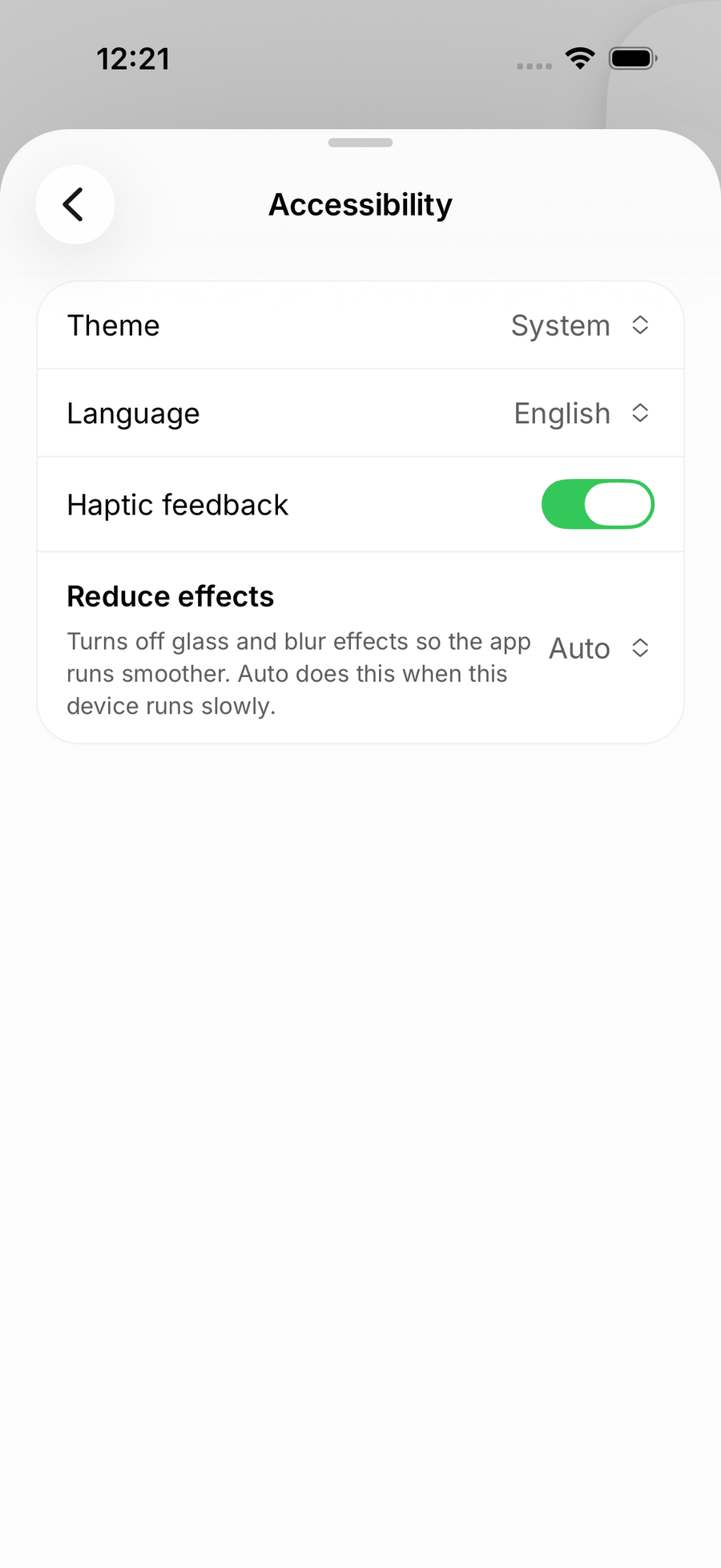
In the Anuma app, go to Settings → Accessibility → Theme.
Step 2: Choose your theme
Pick one of three options:
- Automatic follows your device’s system setting and switches with it
- Light is always light mode
- Dark is always dark mode
The change takes effect immediately across the app.
On mobile, the same options live under Settings → Accessibility → Theme:
Good to know
- Your theme preference is saved and persists across sessions and devices.
- Automatic is the default: Anuma follows your system’s light/dark setting unless you override it.
- The help center itself also has a light/dark toggle in the page footer, separate from the app setting.
Related articles
Last updated on