Your first conversation
After creating your account, you can start chatting with AI immediately. Anuma remembers your conversation and builds a personal memory that follows you across every model.
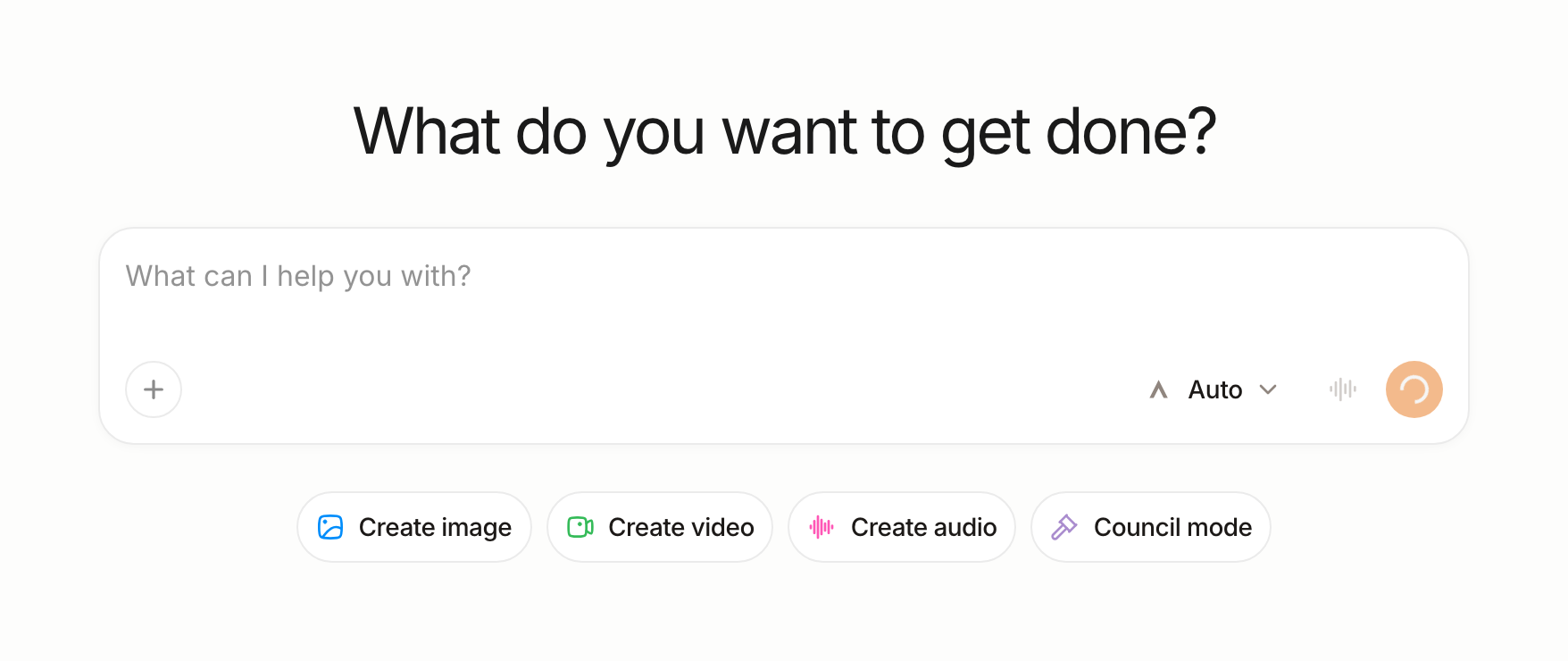
Steps
Step 1: Tap “New Chat”
From the sidebar, tap New Chat to start a fresh conversation.
Step 2: Choose a model or try Council Mode
By default, Anuma selects a model for you with Auto Model. To try something more powerful:
- Council Mode — Compare up to 4 models on the same prompt. Tap the model selector and enable Council Mode to see how different AI models answer the same question.
- Pick a specific model — Choose from ChatGPT, Claude, Gemini, Grok, Kimi, Qwen, and many more.
Step 3: Type your first message
Ask anything. Try something personal — “Help me write a professional email to my landlord” or “What should I know before signing a lease?” Anuma works best when you give it real context. You can also upload files like PDFs and images.
Step 4: Check Memories
After your first conversation, open Memories from the sidebar. You can see the memories Anuma has stored from your conversation. Edit or delete anything you want.
Good to know
- Anuma builds your memory over time. The more you use it, the more personalized your experience gets.
- Try an agent for your first conversation — the Housing Agent can review a lease or check if your rent is fair right away.
- Switch between open source and closed source models anytime. Your memory persists across all models.
- Customize how your AI communicates — adjust tone, verbosity, and more.
Related articles
Last updated on