Exporting your memory and conversations
Your data is yours to take with you.
Available on: web, iOS, Android.
Export your memories
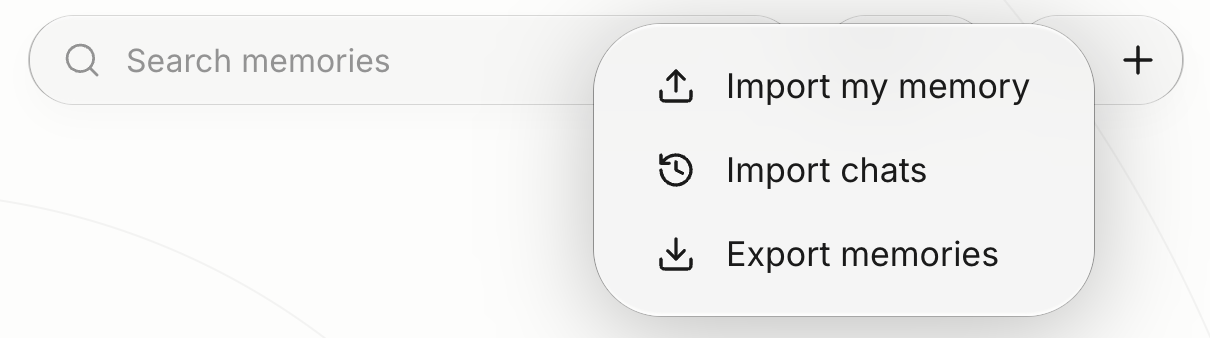
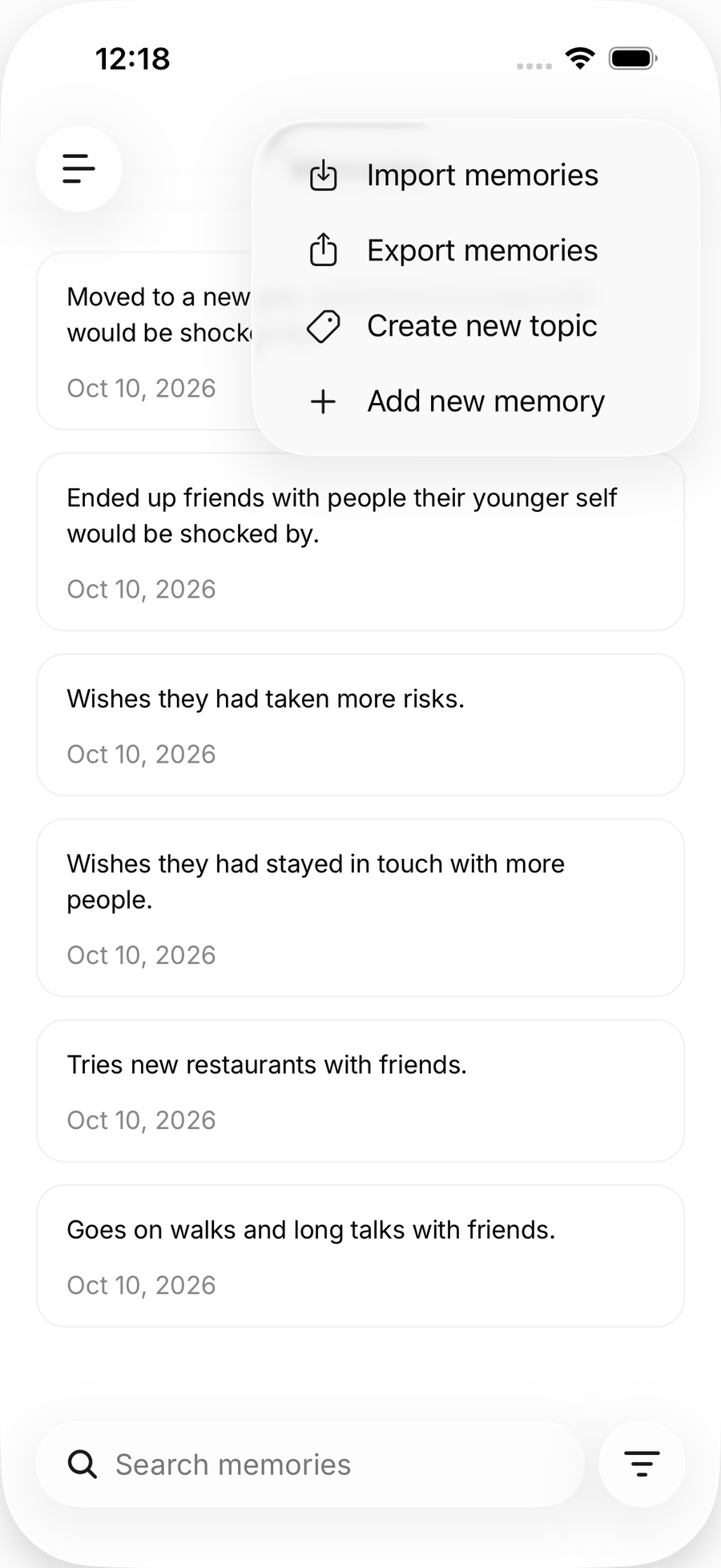
- Web: open Profile in the sidebar, then All memories, then Import & export, then export. You get a readable JSON file (
anuma-memories-<date>.json) that Anuma can import again later. - Mobile: open Memories and tap Export memories. The share sheet gives you a readable Markdown copy.
Web
Both files are plain text. Treat them like any sensitive document once saved.
Save a conversation
Open the chat’s header menu and choose Save as PDF. On the web you can also keep the chat’s files with View files in chat.
Keep a backup of everything
Settings → Backup holds your encrypted backup of conversations, memories and media, which is what restores your account on a new device. On the web you can also back up to iCloud or download a local file. The backup is encrypted; Anuma keeps a copy on its servers while backups are on, and turning backups off erases it. See Backup and encryption.
Good to know
- Slide decks export separately as PPTX. See Slide decks.
- Google Drive and Dropbox export were removed in October 2026; use the local file or iCloud options on the web instead.
- To delete everything rather than export it, see Delete your account.
Related articles
Last updated on