Get the mobile app
Anuma is a native app for iOS and Android as well as a web app at chat.anuma.ai . Your account, conversations and memory are the same everywhere.
Download
- iOS: Anuma on the App Store
- Android: Anuma on Google Play
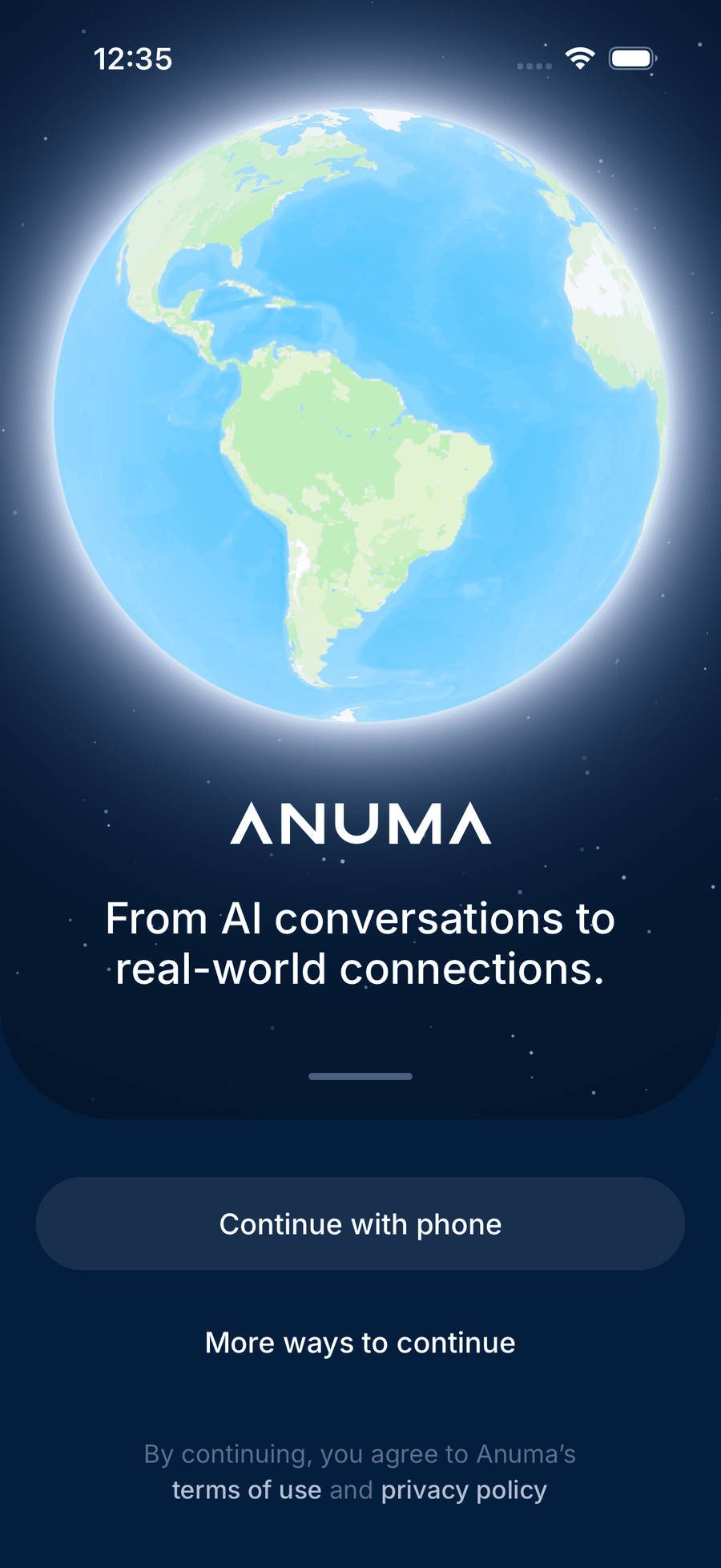
First launch
Sign in with your phone number, or tap More ways to continue for Google, Apple (iOS) or email. New accounts go into the Nearby setup first; close it to go straight to chat. See How to create an account.
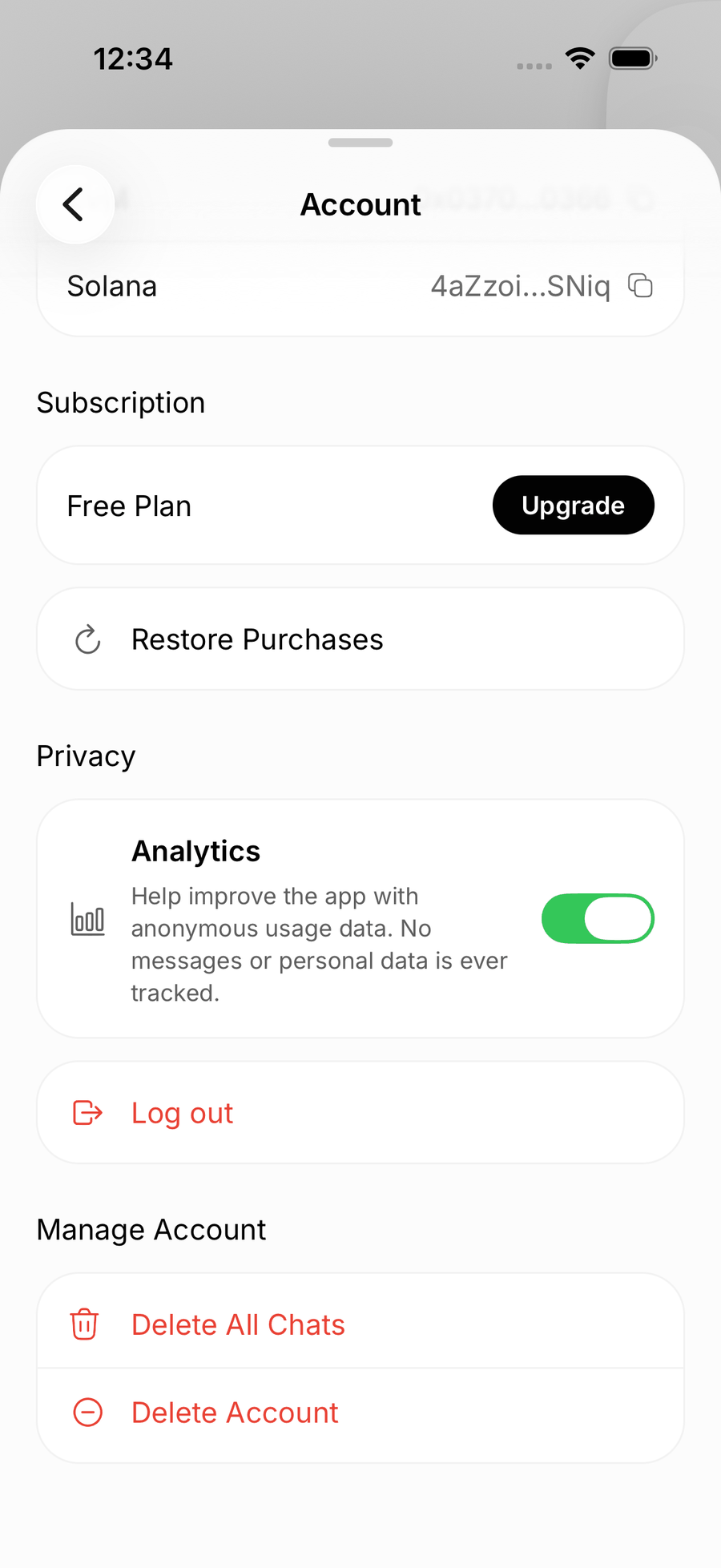
Finding your way around
The app has no tab bar. Everything is in the sidebar (swipe from the left edge or tap the menu button):
- Nearby opens the map. It is the home screen whenever Nearby is on in your area.
- Rewards shows your invites and what you have earned.
- Create expands into the Media studio: Image, Audio, Video, Slide deck and Council mode.
- Recents lists your conversations.
- Memories is everything Anuma remembers about you.
- Library holds what you have created.
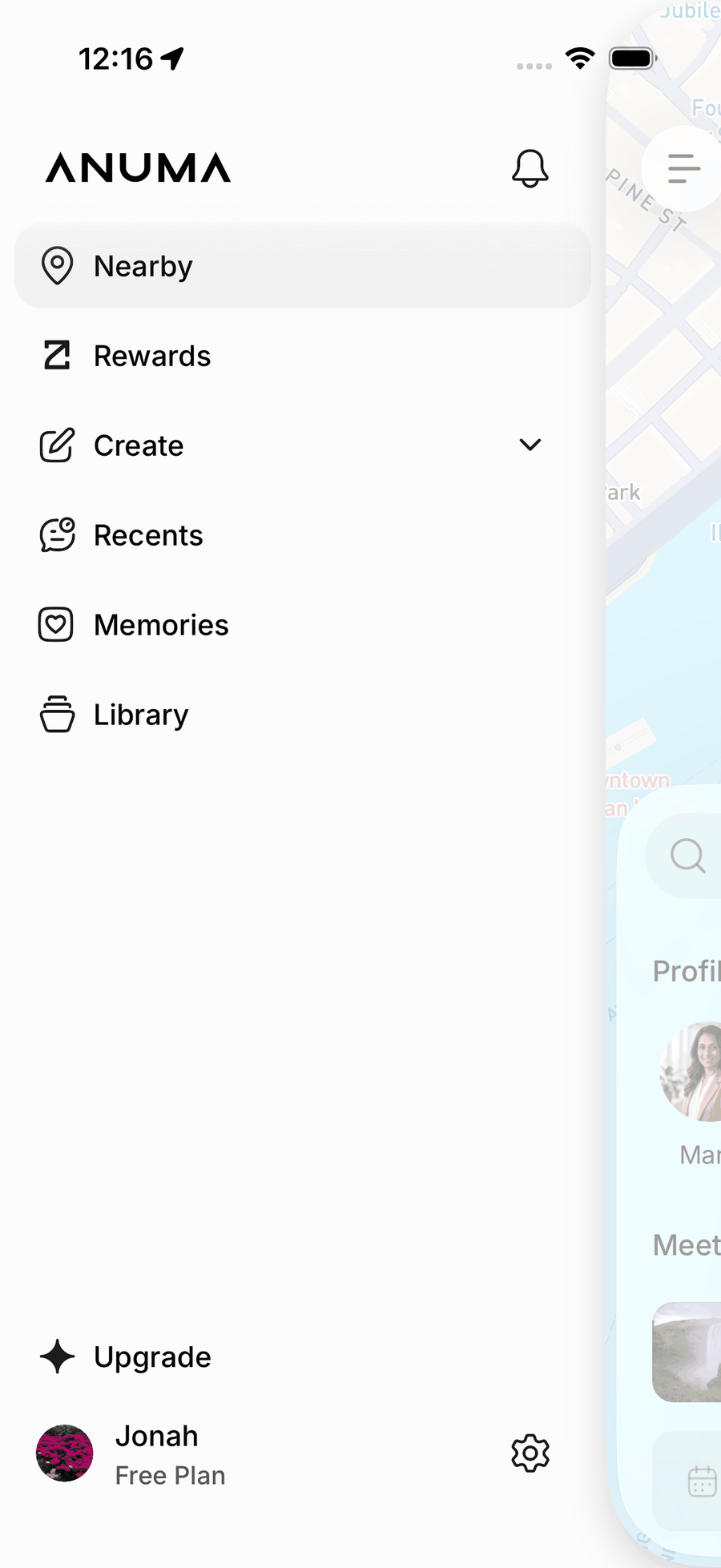
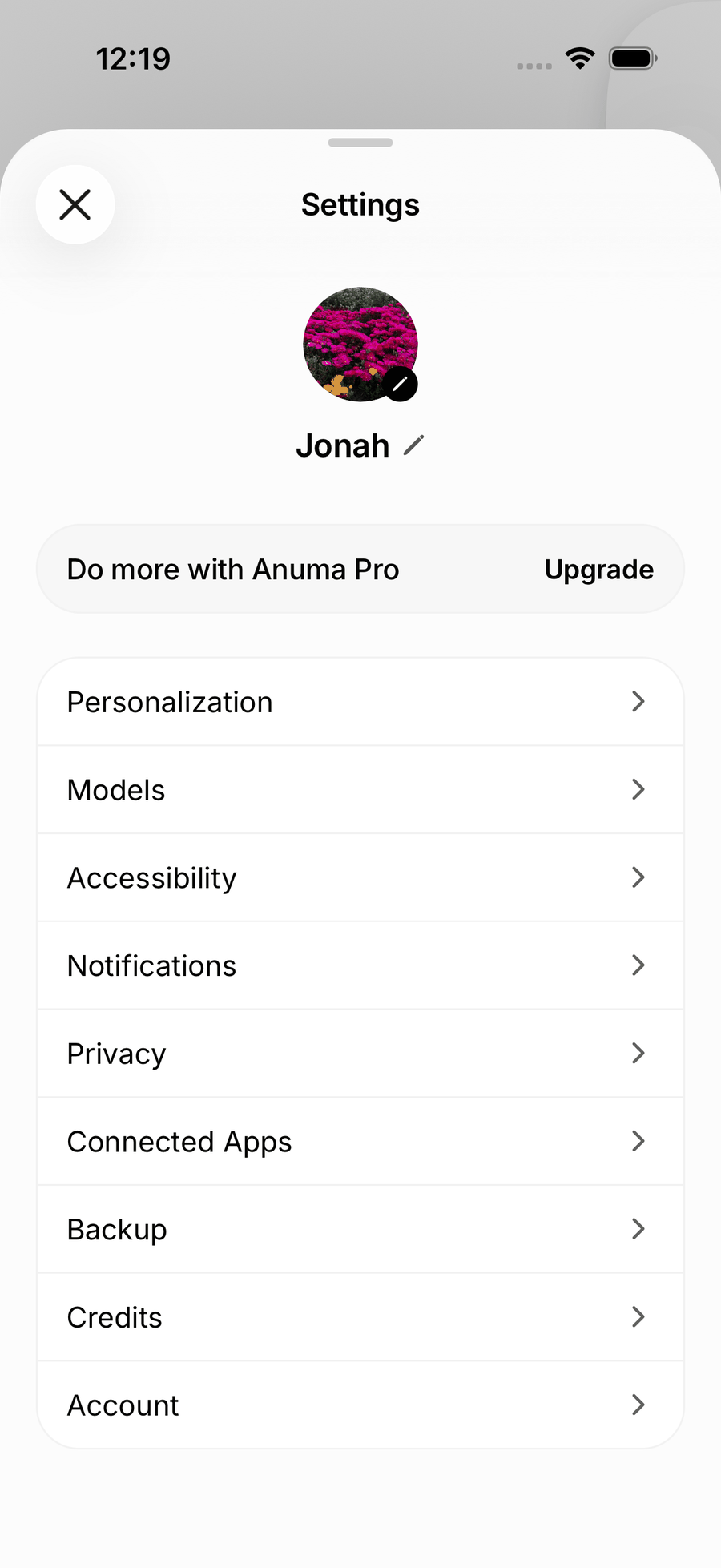
- The cog on your profile row opens Settings: Personalization, Models, Accessibility, Notifications, Privacy, Connected Apps, Backup, Credits and Account.
In a chat, the + button offers Attach file, Attach image, Camera, Add memory, Create and Council mode. The model pill and the privacy eye sit in the chat header.
What is the same as the web
The curated model list and Council Mode, Memories (with the privacy eye and the Share in Nearby switch), Personalization, voice input, file and image uploads, image, video, audio and slide deck creation, connectors, Rewards, PII redaction, encrypted backup, and Nearby itself.
What is different on mobile
- Billing goes through the store on iOS. Subscriptions and credit packs bought in the iOS app are Apple in-app purchases managed in your App Store account. Android uses the same checkout as the web. See Cancel subscription and Billing, renewals and refunds.
- Not on mobile today: Second Opinion, the Memory Graph view, the Token Dashboard, the Updates inbox, Agentic Reservations, importing memories from a document, and the full model catalog (the app shows the curated list). iCloud and local-file backups are web only; the app keeps the encrypted backup.
- Voice input uses your phone’s built-in speech recognition.
- Notifications need the system permission; on Android, turn them on under Settings → Notifications if the app never asked. See Nearby troubleshooting.
Related articles