How to upgrade to Pro
Anuma offers three plans: Free, Starter, and Pro. Upgrading gives you more credits, unlimited backup, and early access to new features. See full pricing details .
Steps
Step 1: Open Settings
Tap your profile icon or open the settings menu from the sidebar.
Step 2: Go to Subscription
Select Subscription from the settings panel list.
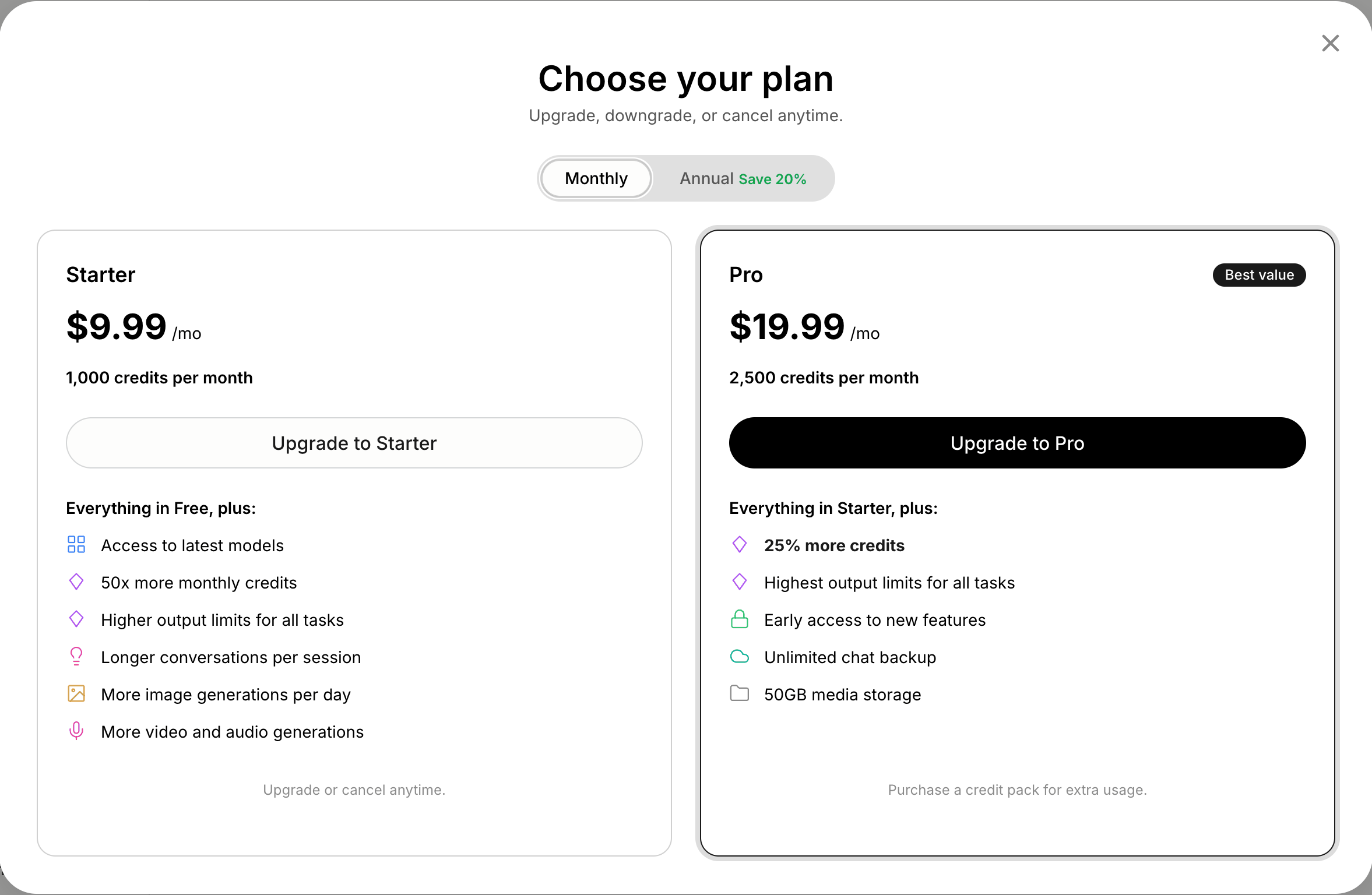
Step 3: Choose your plan
You can see your current plan and available upgrades:
| Plan | Price | Credits | Key features |
|---|---|---|---|
| Free | $0/mo | 100/mo | All features, most models, image generation |
| Starter | 7.99/mo billed annually | 1,000/mo | Premium models, higher output limits |
| Pro | 15.99/mo billed annually | 2,500/mo | Flagship models, unlimited chat backup, 50 GB media |
Toggle between Monthly and Annual billing. Annual plans save 20%.
Step 4: Tap “Upgrade”
Select the plan you want and complete payment. Your new credits and features activate immediately.
Good to know
- Most models are available on every plan. Most premium models unlock with Starter; a small set of flagship models (currently Claude Fable 5.1) is Pro-only. See all models.
- You can upgrade, downgrade, or cancel anytime from the Subscription panel. No cancellation fees.
- Tap Payment and billing to manage your payment method through the Stripe billing portal (web and Android). In the iOS app, subscriptions are Apple in-app purchases managed in your App Store account.
- If you have a promo code, you apply it on the checkout page.
- Need credits without changing plan? Get more usage sells a $10 pack of 1,000 credits on every plan. See Credits and usage.
- Prefer not to pay? Staking 80,000 $ZETA on the Token Dashboard unlocks Pro for as long as your balance stays above the threshold, and earns spendable AI credits on top.
- Want to earn by sharing Anuma? Check out the affiliate program.
Related articles
Last updated on