Sharing a conversation
Publish a read-only copy of a chat that anyone with the link can read, no account needed.
Available on: web, iOS, Android.
What is shared
- The messages you can currently see (the active branch), with Anuma’s replies labeled by model, and the title.
- The copy is frozen at publish time. Later messages are not added.
- Never shared: attachments (noted as omitted), generated images, audio and video, interactive cards, your memories, and tool activity.
Steps
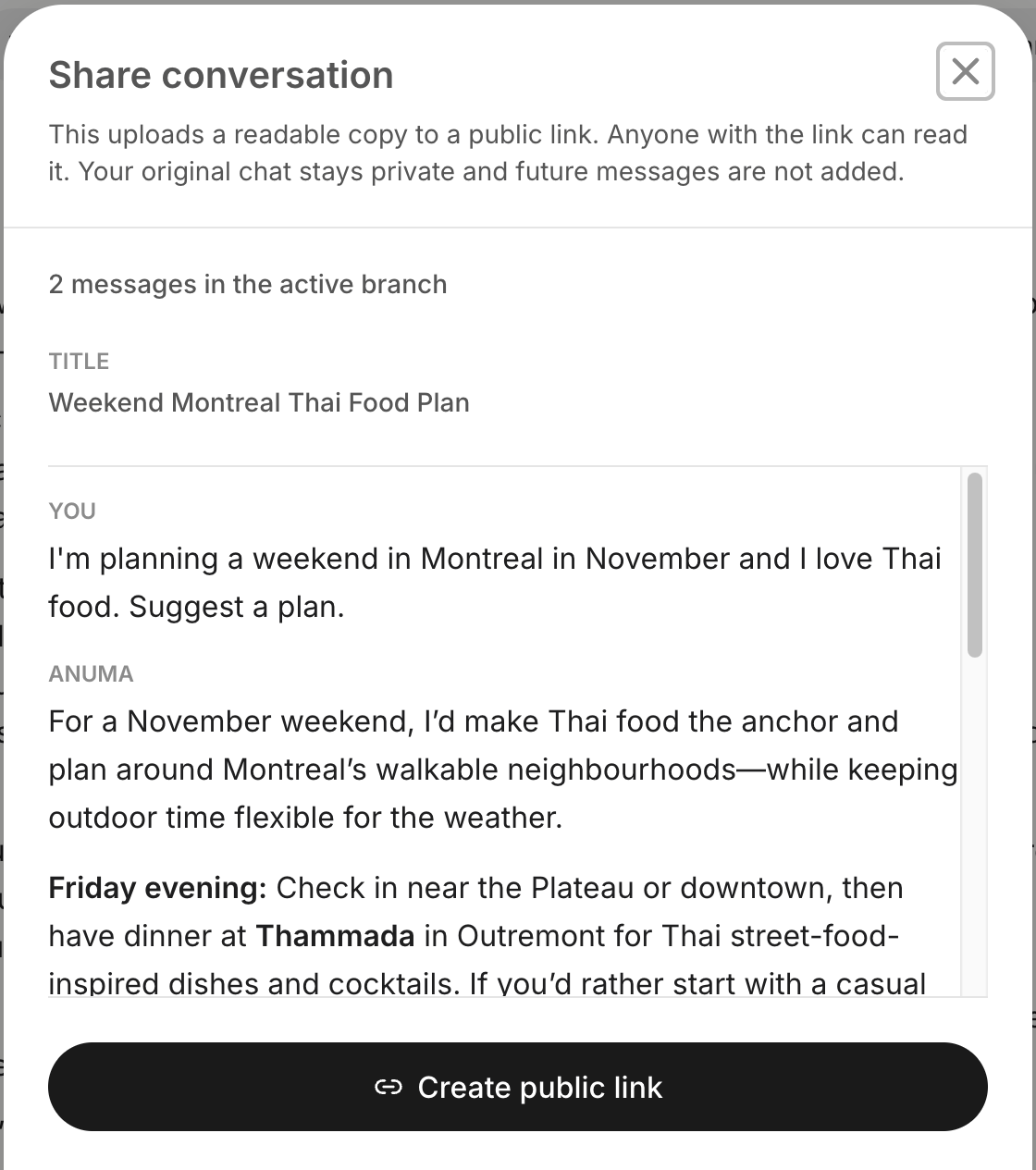
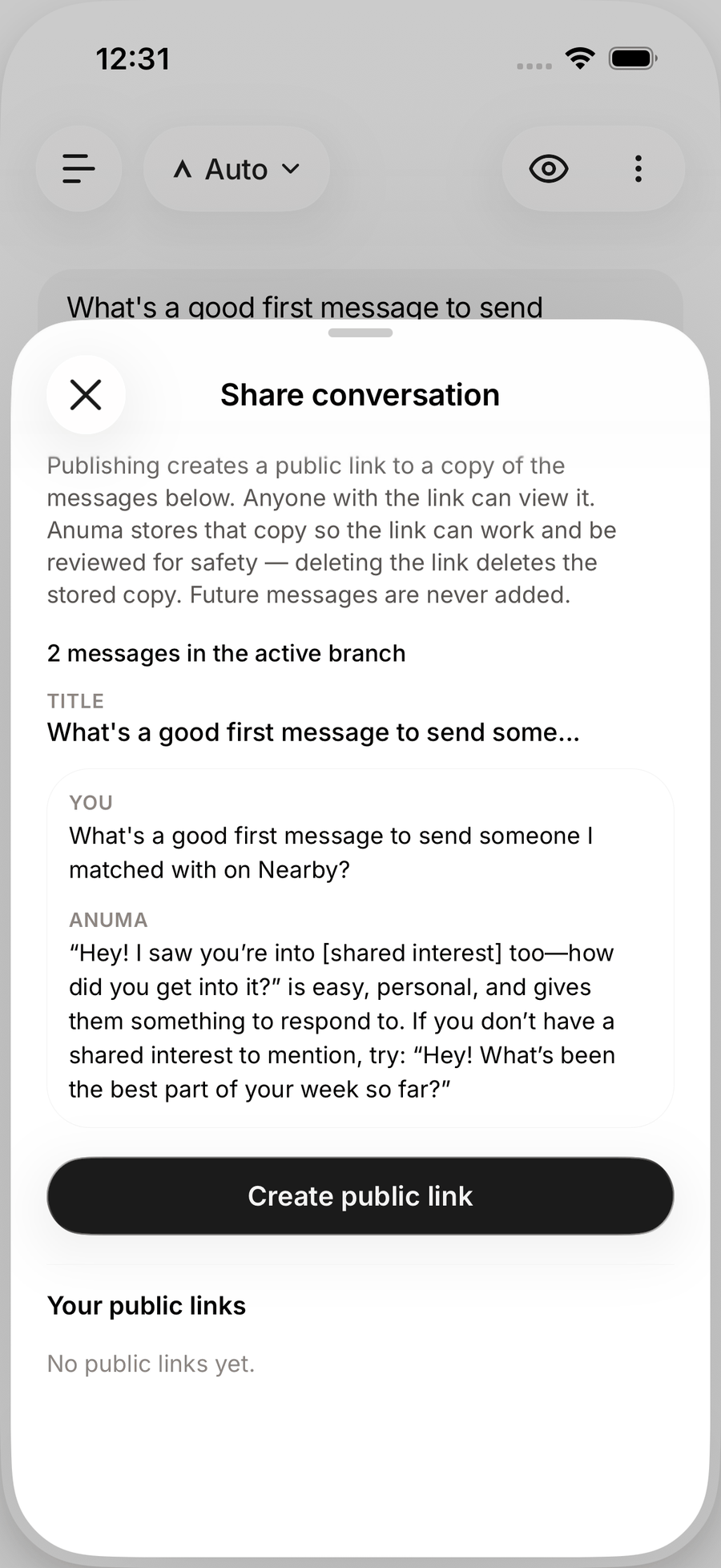
- Open the chat’s header menu and choose Share conversation.
- Review the transcript in the dialog. It may contain personal details or credentials you typed; nothing is redacted automatically.
- Tap Create public link. The link (
chat.anuma.ai/c?id=…) is copied to your clipboard; on mobile you can hand it to the share sheet.
Web
Manage your links
The same dialog lists Your public links. Select one to copy it again, or tap the trash icon to delete it. Anyone with a deleted link loses access immediately.
Good to know
- Publishing stores a readable copy so the link can work. Deleting the link deletes that copy; your own chat is unaffected.
- Shared pages are marked not to be indexed by search engines, and readers can report them.
- Conversations over 500 messages cannot be published as one link.
- Generated images, audio and video have their own Create public link in the viewer; those links expire after 24 hours.
Related articles
Last updated on