Voice input
Speak a prompt and Anuma transcribes it before sending. Nothing you say is uploaded as audio.
Available on: web, iOS, Android.
Turn it on
Voice input is opt-in.
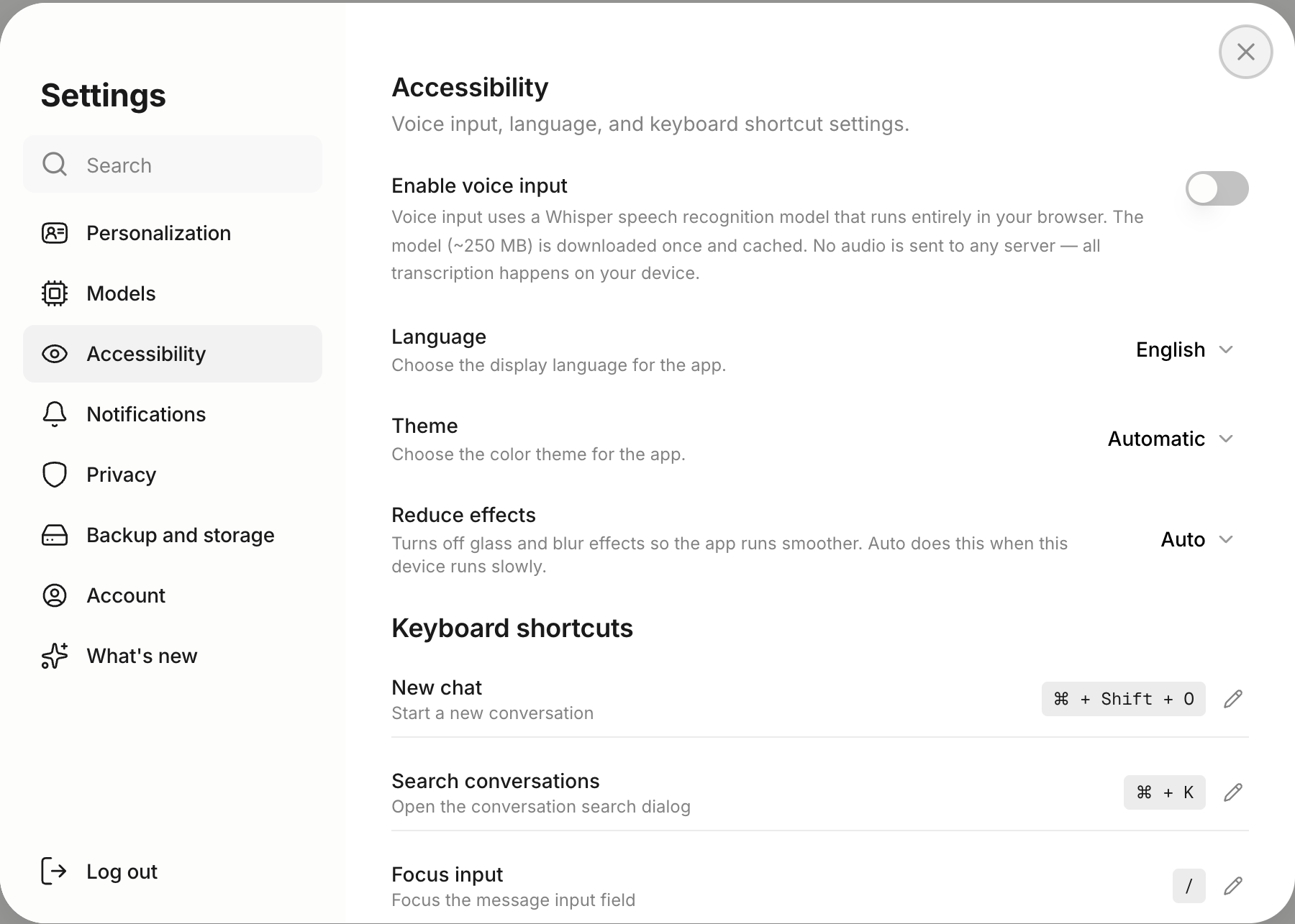
- Web: Settings → Accessibility → Enable voice input. The first use downloads a speech model (about 250 MB) that then runs in your browser. On iOS Safari, Anuma uses the device’s own speech recognition instead. Once on, a Transcription language option lets you pin a language if short clips get mistranscribed.
- App: the app uses your phone’s built-in speech recognition.
Use it
- Tap the microphone in the composer.
- Speak. Words appear as you talk.
- Tap stop, fix anything, and send.
Good to know
- Available on every plan.
- Spoken answers (text-to-speech) are not part of Anuma today.
Related articles
Last updated on