Safety
Nearby is built for meeting people in real life, so the safety tools matter more than on a chat app. Here is what is in place and what to do when something is wrong.
Available on: web, iOS, Android.
Who is on the map
- 18 and older only. Every account gives a birthdate, and Anuma does not allow people under 18 to use Nearby, messaging or meetups.
- Verified by phone. Everyone on the map verified a phone number with a text code.
- Moderated. Photos, shared memories, meetup covers and descriptions pass through moderation before they appear.
- Approximate location only. Other people see your general area, never your precise position. Meetup venues are the exception: a venue is shown exactly, so choose public places.
Block someone
- Open their profile and tap the ••• menu.
- Tap Block and confirm.
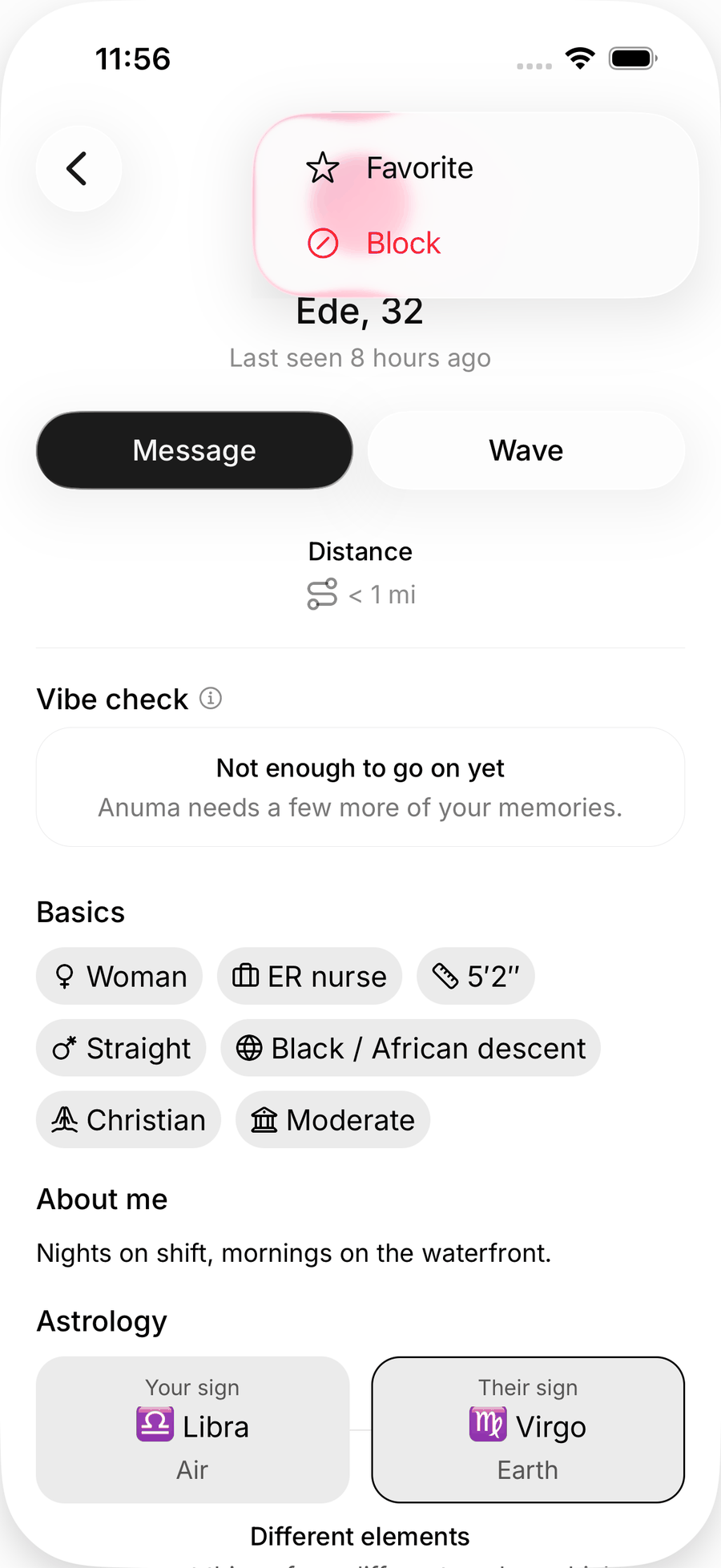
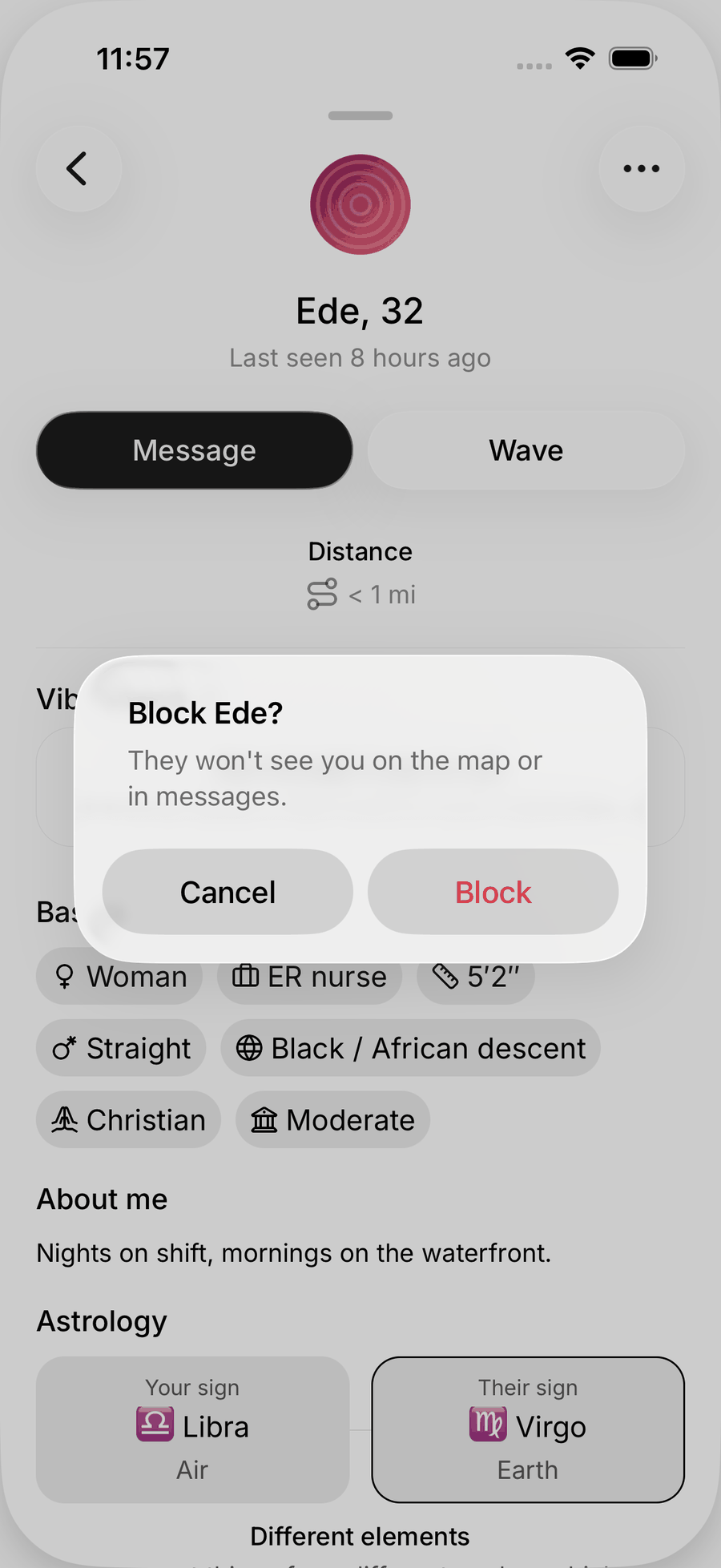
They will not see you on the map or in messages, and you will not see them. On the web, review or undo blocks in Settings → Privacy → Blocked people.
Report
- A message: long-press (mobile) or hover (web) the message and choose Report message.
- A meetup: open it and tap Report.
Pick a reason: Spam or scam, Harassment or abuse, Nudity or sexual content, Violence or threats, or Something else. Reports go to the Anuma team and are not shown to the person you reported.
There is no report button on a profile itself yet. If a profile is the problem (an offensive photo or bio, an impersonation, someone who looks under 18), block them and email support@anuma.ai with their name and what you saw.
Meeting in person
- Meet in a public place the first time. Meetups with a venue are a good way to do this with a group.
- Tell a friend where you are going and who you are meeting.
- Keep the conversation on Nearby until you are comfortable. Nobody needs your number to make a plan.
- Trust your gut. Leaving early is always fine.
Take yourself off the map
Switch to Private mode with the eye icon. You disappear from the map immediately, your profile stops being used, and nothing about your location is sent. See Public and Private mode.
Emergencies
If you are in immediate danger, contact local emergency services first. Afterwards, email support@anuma.ai so the account involved can be reviewed.
Related articles