Public and Private mode
One switch controls your presence on Nearby: the eye icon.
Available on: web, iOS, Android.
Public mode
- You appear on the map to people nearby, with your profile.
- New memories Anuma saves from your chats are shared with Nearby (their Share in Nearby switch starts on), and images you generate can appear in your profile gallery. Memories with the switch on are used for matching and for the vibe check.
- You can wave, message, join and host meetups.
- Your approximate area is shared while Anuma is open. Other people never see your precise position.
New accounts start in Public mode after completing the Nearby setup. The app’s own advice for Public mode: do not share sensitive information such as health details, financial information or an ID number in chat, or switch to Private mode first.
Private mode
- You are off the map, and you cannot see other people on it.
- New memories and activity stay off your Nearby profile. Memories you shared earlier keep their switch until you change it in your memories list.
- Your profile is not used anywhere: no matching, no vibe checks, no search.
- Nothing about your location is sent.
- It does not change which AI models you use.
- You cannot host a meetup while private. Chats you already have stay available.
Private mode is the “I am not using Nearby” setting. You can stay in it for as long as you like, and Anuma stays the private, multi-model AI that remembers you.
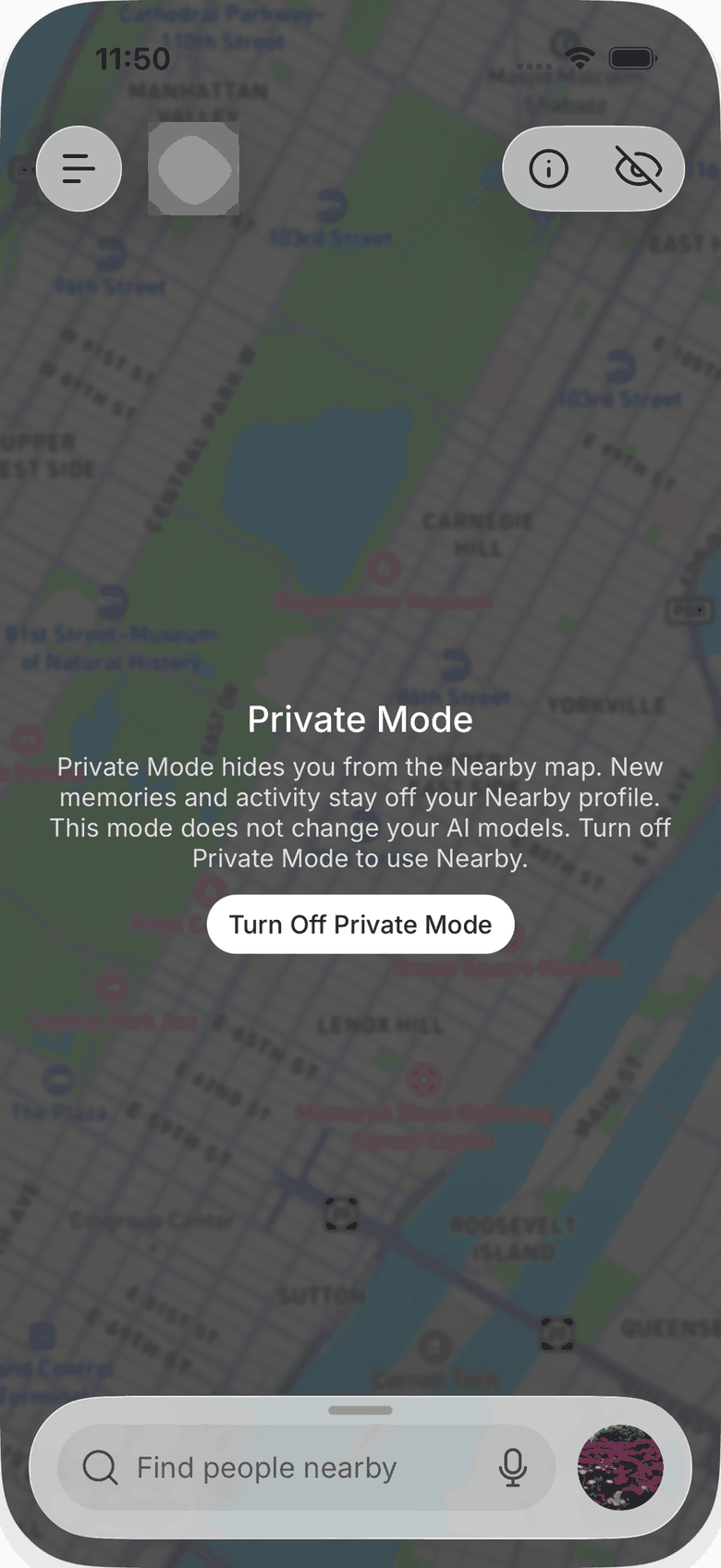
Switch modes
- Mobile and web: tap the eye icon in the Nearby header. In Private mode the map is covered by a Private mode notice with a button to switch back.
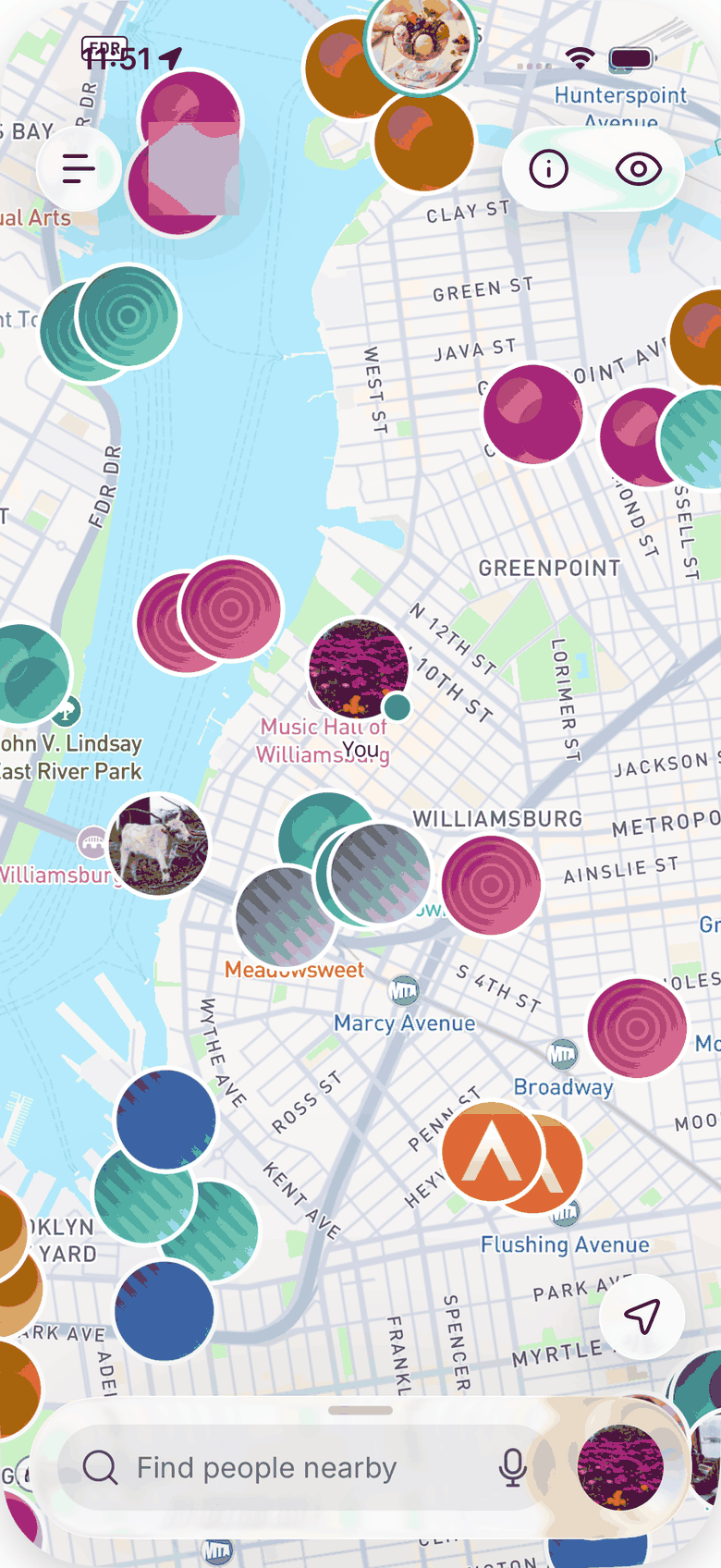
Online, last seen, offline
In Public mode, other people can see roughly how recently you were around:
- Online means active in the last five minutes.
- Last seen N hours ago for the first 24 hours.
- Offline after that. Offline people can stay on the map for up to 60 days so that neighborhoods do not look empty, then drop off until they come back.
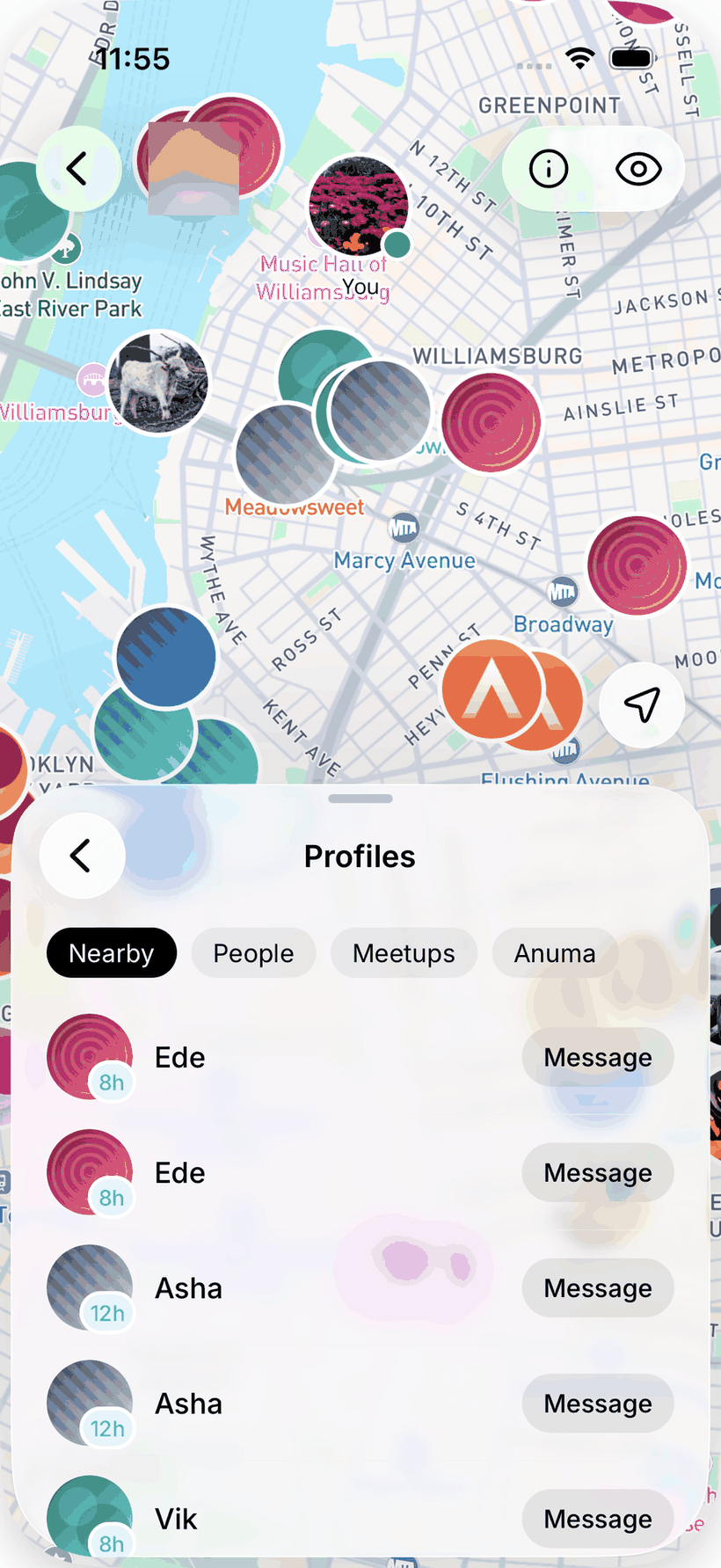
Your presence updates only while Nearby is open. Closing the app does not announce anything.
Findable by name
Separate from the mode: Findable by name decides whether someone can find your profile by typing your name. It is on by default and lives in your profile settings. See Your profile.
Related articles