How matching works
Nearby does not rank people with a number. It tells you, in words, what you have in common with someone, and lets you decide.
Available on: web, iOS, Android.
What goes in
Anuma compares two things across the two of you:
- Interests you picked for your profile.
- Memory themes from the memories each of you chose to share with Nearby. Not the memories themselves: the themes they are about, like a sport you are getting into or a project you keep coming back to.
Only memories with Share in Nearby turned on count. Private memories and your chats never enter matching. If neither of you has shared memories, matching uses interests alone. See Memory and Nearby.
What you see
- A level, in words. Profiles show “Most compatible”, “Compatible”, “Less compatible” or “Nothing in common yet”. There is no percentage anywhere in Nearby.
- The vibe check. A short note Anuma writes about the two of you, from the interests and memory themes you have both shared. Neither of you writes or edits it, and it reads differently for every pair.
- Shared interests, listed on the profile.
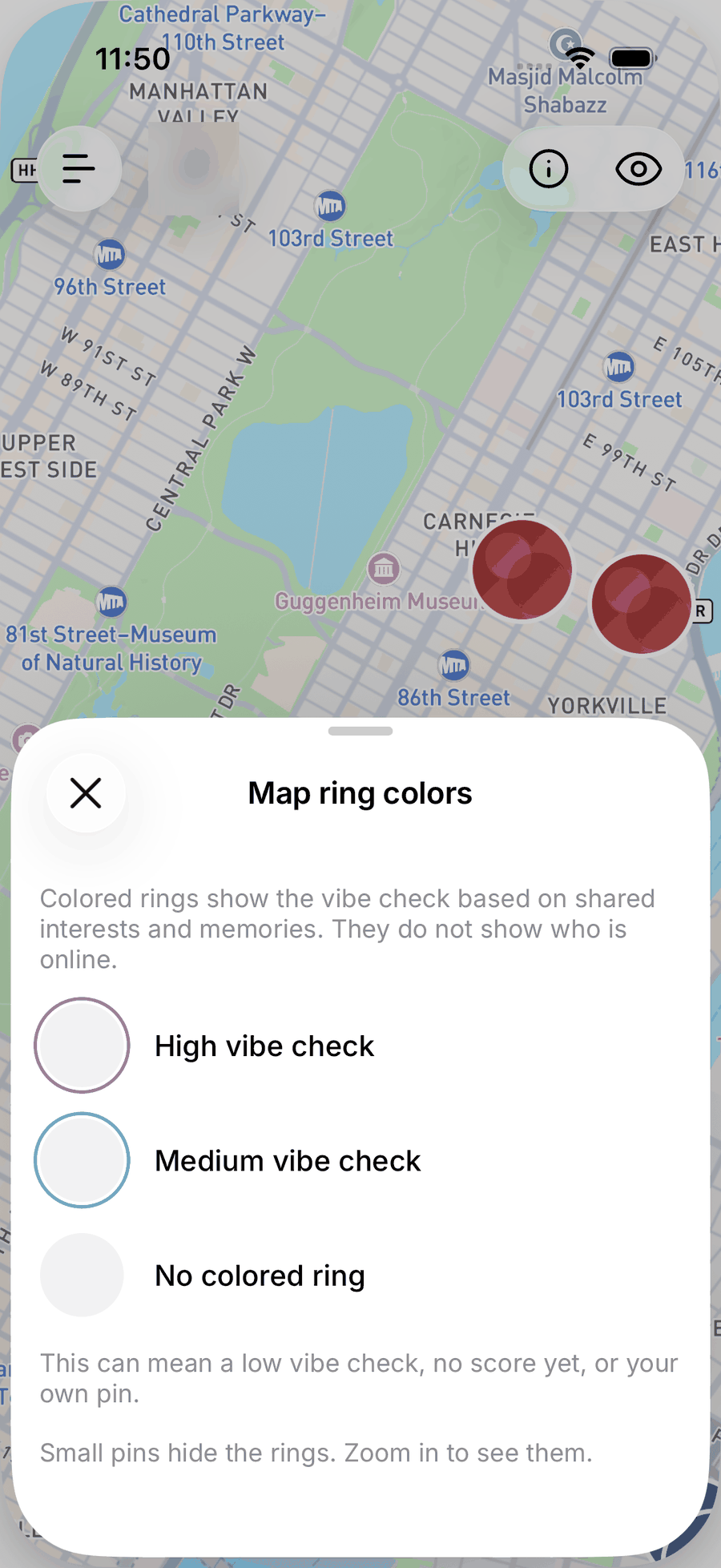
- Ring colors on the map. The colored ring around a pin shows the vibe check level for you. It does not show who is online.
Why no score
A number invites comparison and gaming. A sentence about what you might talk about is what you actually need before saying hi. It also keeps the system honest: the vibe check can only mention things both people chose to share.
Make your matches better
- Add interests you would actually want to do with someone.
- Share a few memories with Nearby, especially ongoing things: what you are learning, planning or building. See Memory and Nearby.
- Keep chatting with Anuma. Memories you let it keep from your chats can be shared later, one by one.
Ask Anuma instead of scrolling
In any chat, ask things like “Who nearby is into pottery?”, “Compare me with Sam” or “What meetups are on this weekend?” Anuma searches Nearby for you and answers with people and meetups you can open directly.
Related articles