Your profile
Your Nearby profile is a snapshot that keeps growing. You set it up once; Anuma keeps it current from what you share.
Available on: web, iOS, Android.
What people see
- Name and age. Your first name and your age (never your birthdate).
- Photos. Up to four. Tap Make main photo on the one you want shown first.
- Bio. Up to 300 characters, in your own words.
- Interests. Up to twelve.
- More about you. Optional fields: gender, profession, height, religion, ethnicity (up to two), politics, sexuality. Leave blank anything you do not want shown.
- Astrology. Based on your birthdate.
- Shared interests and the vibe check. When someone else looks at your profile, they see what the two of you have in common and a short note Anuma writes about it. See How matching works.
- Gallery. Images you generate with Anuma while in Public mode appear here.
- Meetups. The meetups you have joined.
- Stats. Vibes, distance, ZETA and meetups.
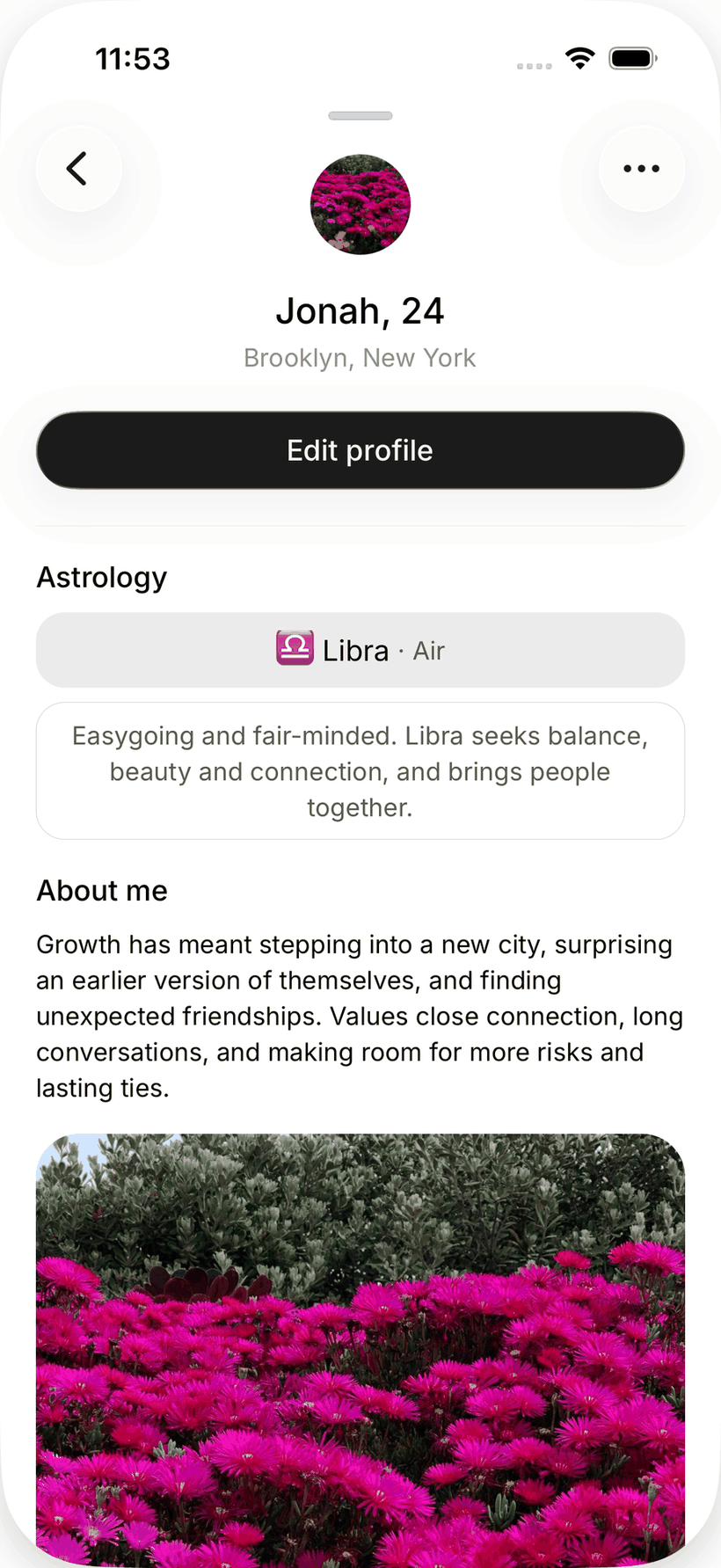
Your chats as text, your private memories and your exact location are never on your profile. See Nearby and your data.
Edit your profile
- Open Nearby and tap your own pin or your photo.
- Tap Edit profile.
- Change photos, bio, interests or the fields under More about you, then save.
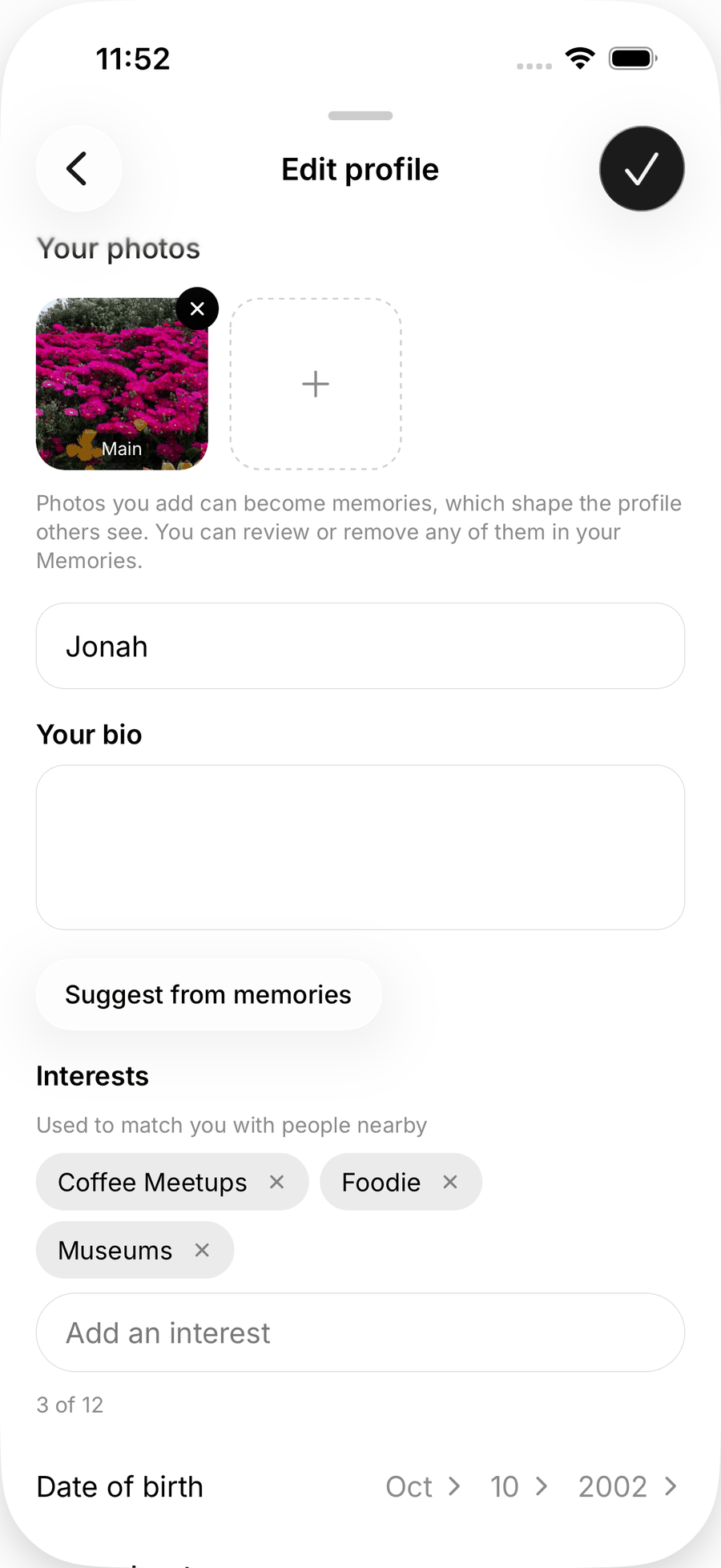
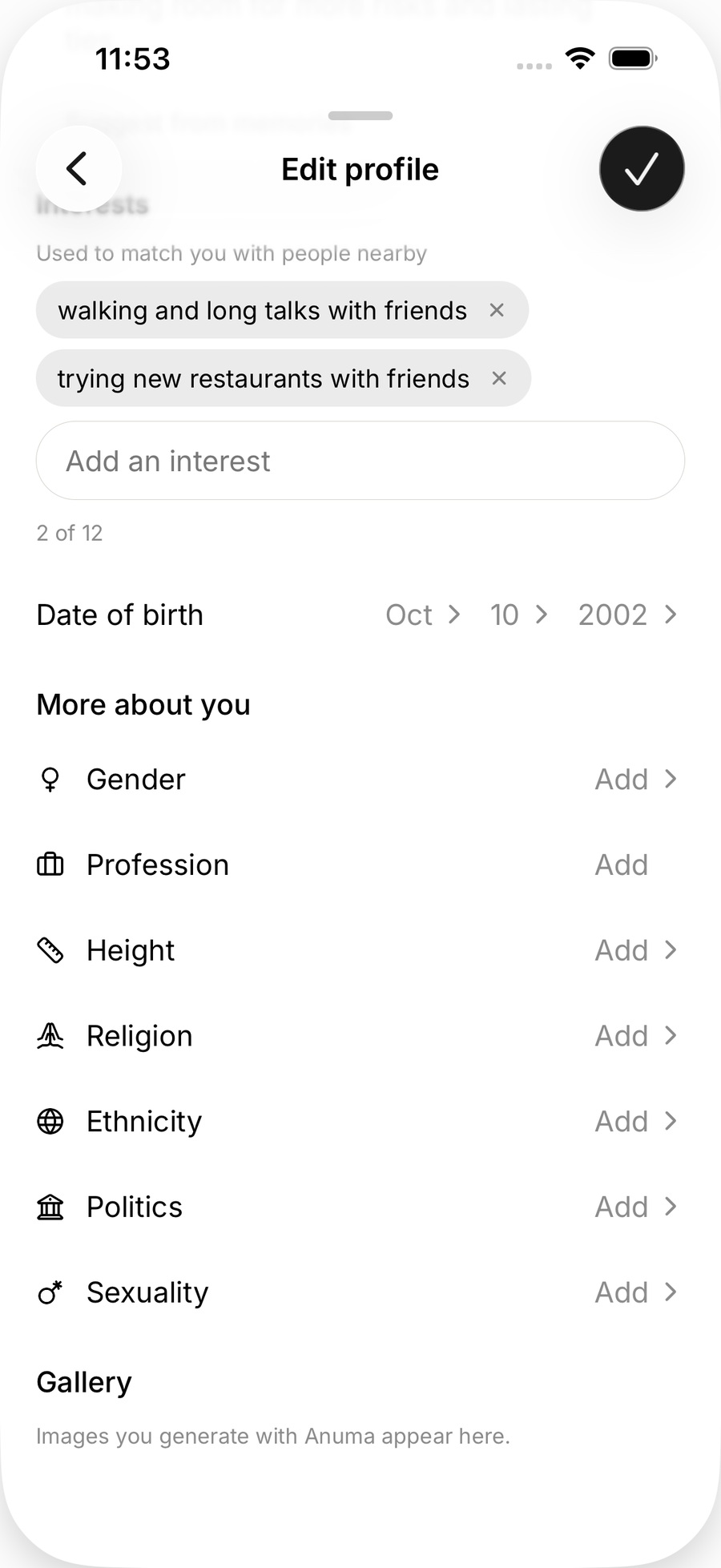
Photos go through moderation before they appear.
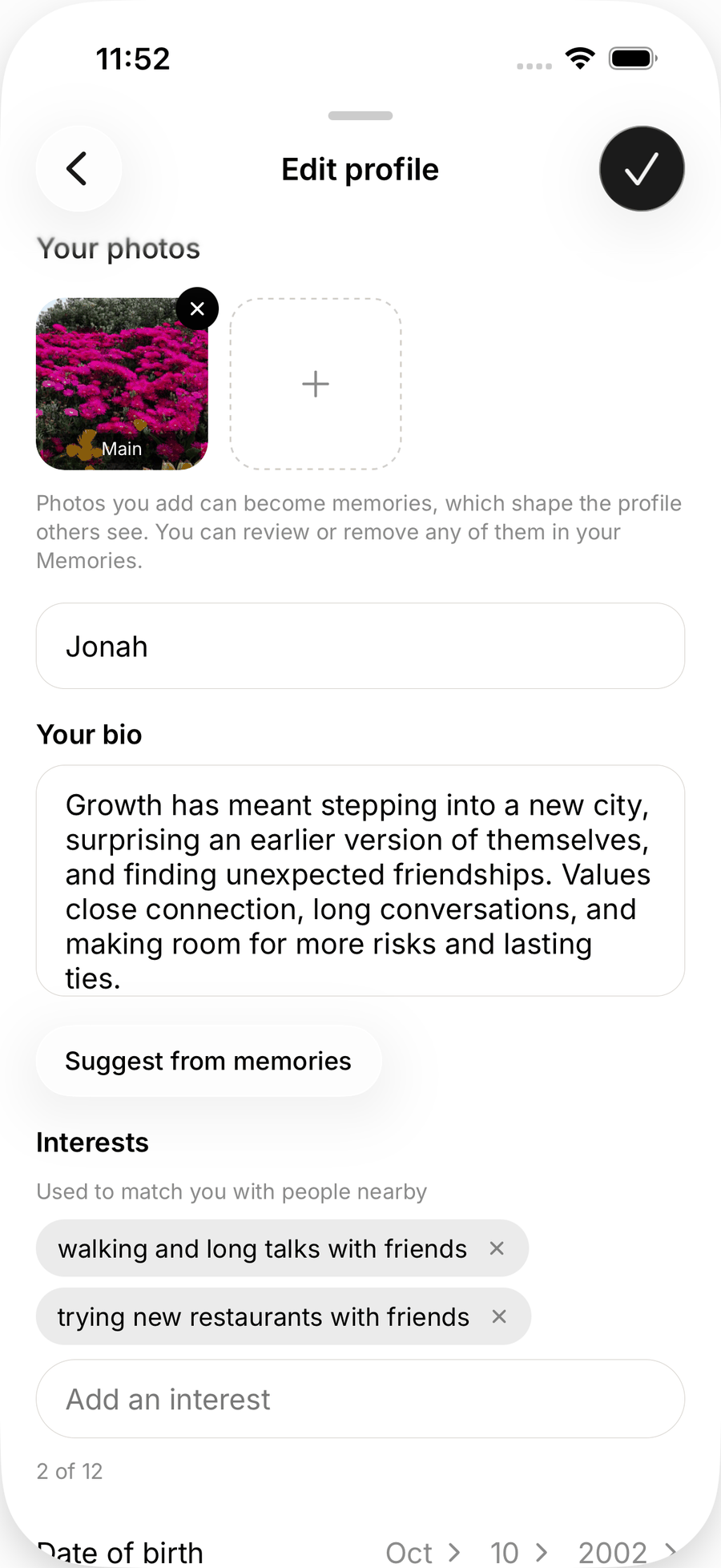
Suggest from memories
Writing a bio is the part most people skip. Anuma can draft it for you:
- In Edit profile, tap Suggest from memories.
- Anuma drafts a bio, a profession and interests from the memories you have shared with Nearby.
- Review the draft, edit anything, then save. Nothing is published until you save, and you can discard the suggestion.
If you see Publish some memories first, no memory is shared with Nearby yet. Open your memories (Profile, then All memories on the web; Memories in the app), pick the ones you are happy to use, and turn on Share in Nearby. See Memory and Nearby.
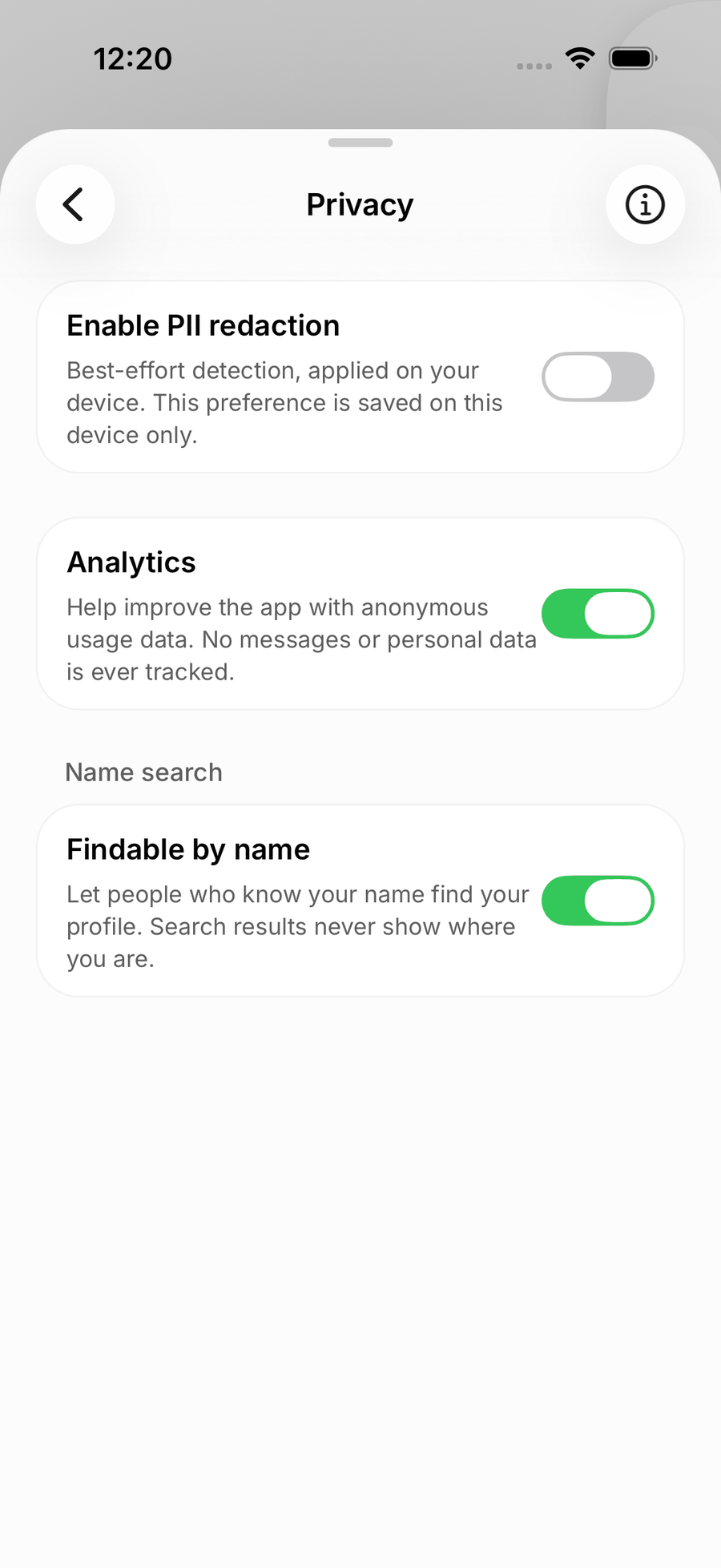
Findable by name
Findable by name lets other people find your profile by typing your name. It is on by default. Turn it off in your profile settings if you only want to be found on the map.
Remove your profile
There is no separate “delete my Nearby profile” today. Switching to Private mode takes you off the map and stops your profile from being used anywhere. To remove everything, delete your Anuma account from Settings, which deletes your Nearby profile with it. See Delete your account.
Related articles