Live thinking
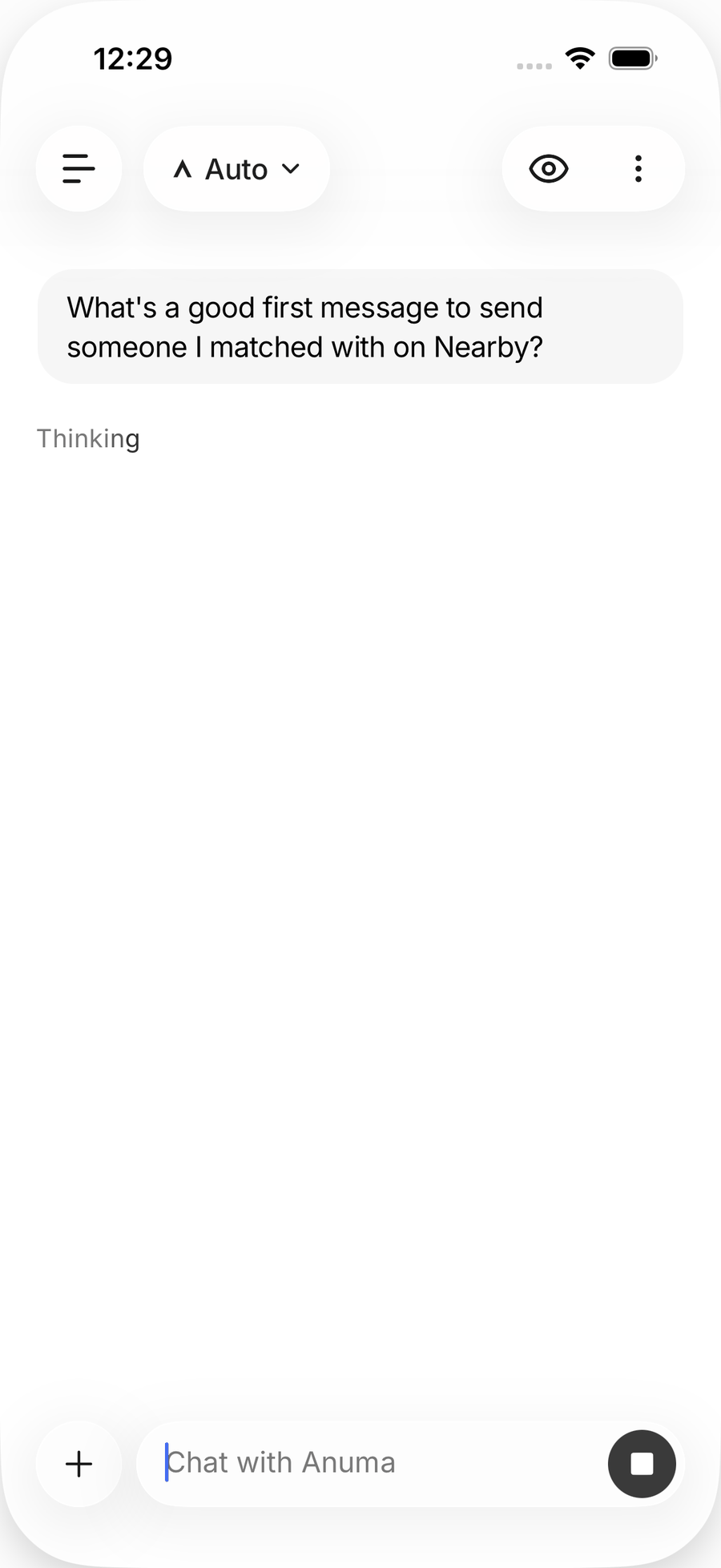
Reasoning models work through a hard prompt before answering. Anuma streams that work so you can read along.
Available on: web, iOS, Android.
What you see
For reasoning-capable models (Claude Opus 5.5 and Fable 5.1, the GPT 6 family, Grok 4.6 and the 4.1 Reasoning variant, Qwen, Kimi K3 and others), the activity panel shows the model’s intermediate steps before the final answer renders. Thinking is labeled per provider (“Thinking”, “Extended Thinking”, or “Reasoning” for Grok).
Useful for trusting an answer, catching a wrong assumption early, and seeing how a problem was broken down.
Steps
- Send a prompt that needs real reasoning: multi-step math, a tricky bug, a plan with constraints.
- Open the activity panel beside the chat (it also shows tool calls, uploads and search activity).
- Read along or close the panel; thinking continues in the background and the answer arrives either way.
Good to know
- Fast and lightweight models answer directly, with no thinking step.
- Thinking tokens count toward the credit cost of the reply.
Related articles
Last updated on